The most popular DAC advice is usually the least useful: pick the newest chip, admire the specification sheet, and assume the music will handle itself. It won't. A digital to analog audio converter is a system component, and the circuitry around the silicon decides whether your headphones receive clean, muscular, properly timed audio or a thin signal dressed in expensive vocabulary.
I'm Marque Hersh, founder of Supermarket Sound, and I've owned enough DACs to become suspicious of chip worship. Once a DAC clears a sensible roughly $200 floor, the chip is rarely the bottleneck. Power supply noise, clocking, the analog output stage, and the headphone amplifier carry the load. Measurements still matter, but they're better at exposing broken design than predicting which box will make a dense mix feel alive.
Table of Contents
- The DAC Worship Problem
- What a Digital to Analog Audio Converter Actually Does
- The Three Specs That Actually Mean Something
- PCM, DSD, and the Formats You Will Actually Meet
- Why Implementation Eats Chipset Folklore for Breakfast
- How to Choose a DAC That Fixes the Real Problem
- The Bottom Line on Buying for Your Ears
The DAC Worship Problem
Chasing DAC chip names is one of the most expensive ways to waste money in audio. Buyers get trained to equate “better” with newer silicon, comparing ESS 9038 with 9050, AKM 4493 with 4499, or delta-sigma with R-2R ladders as if the chip were a complete product rather than one component in a chain.
That misses the part I hear most clearly. Past a roughly $200 competence floor, implementation usually matters more than the converter's badge. The power supply can spray noise into the analog stage. Poor clocking can compromise timing. A weak output stage can flatten the presentation. A headphone amplifier can run out of current long before the DAC chip reaches its limits.
The market itself points toward this practical gap. Portable DAC and headphone-amp products held the largest share of the DAC-headphone-amplifier market, 58.3% in 2025, while the category reached $1.27 billion and is projected to reach $2.48 billion by 2034 at a 7.8% CAGR, according to market data on portable DAC and headphone-amp adoption. People aren't buying these boxes only to chase microscopic improvements in tonal purity. They're trying to solve hiss, low volume, awkward USB-C behavior, and headphones that sound starved.
That's why the useful question isn't “Which chip measures best?” It's “What problem is this converter supposed to fix?” I've written about that practical distinction in my guide to whether a DAC is worth buying.
Measurements Have A Job
Benchmark numbers matter when they rule out noise, distortion, channel imbalance, or poor engineering. A converter shouldn't hum, collapse under ordinary loads, or turn quiet passages into electronic grit. Those are basic standards.
But the hobby overuses measurements as a substitute for listening. Two units can post similarly impressive figures and still present a room differently. One may sound dense and grounded, with bass texture intact under a crowded arrangement. Another may sound clinically clean but emotionally hollow, especially once its output feeds a demanding amplifier or sensitive in-ear monitors.
The chip is only the floor. The circuit builds the room.
What a Digital to Analog Audio Converter Actually Does
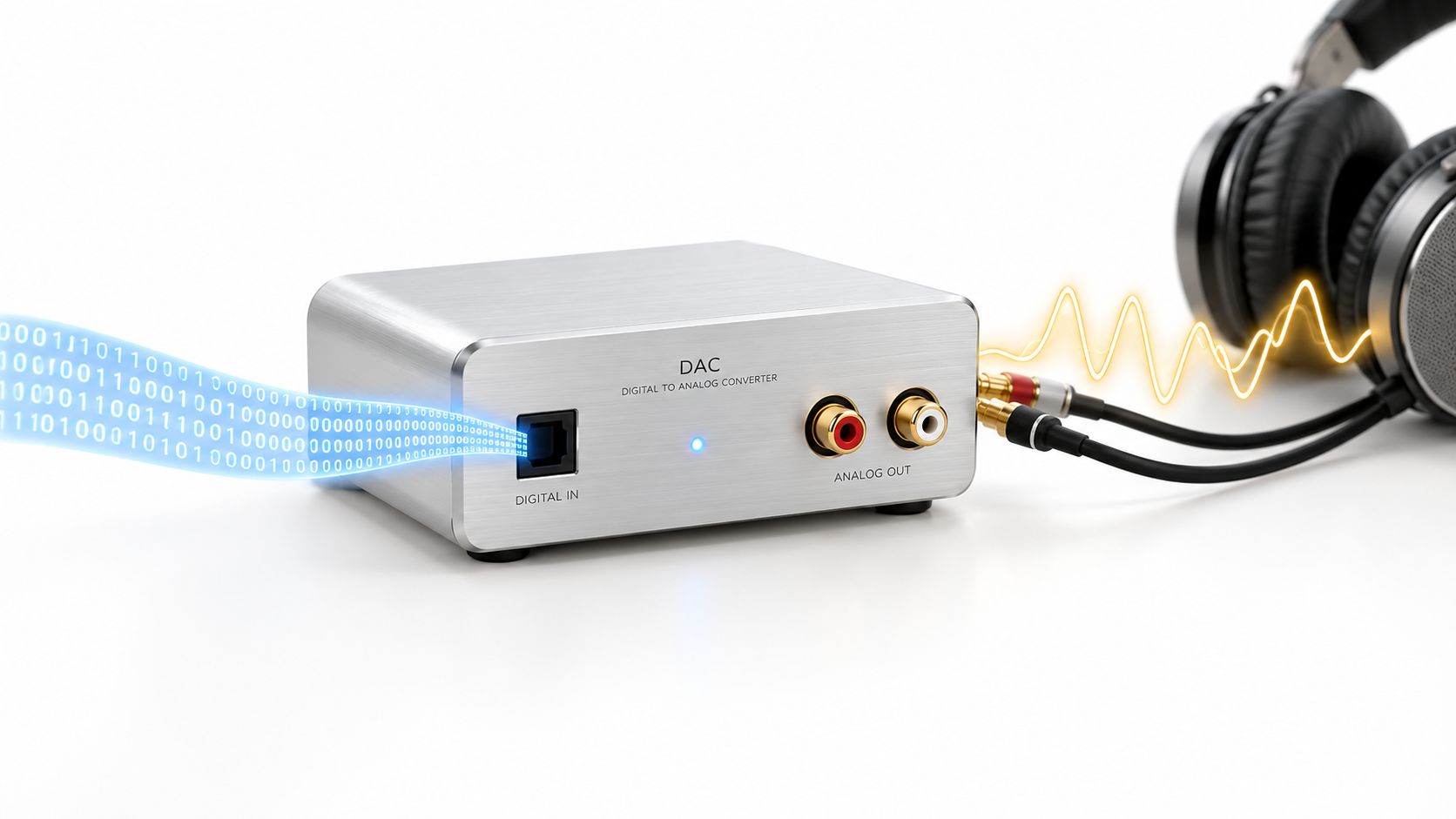
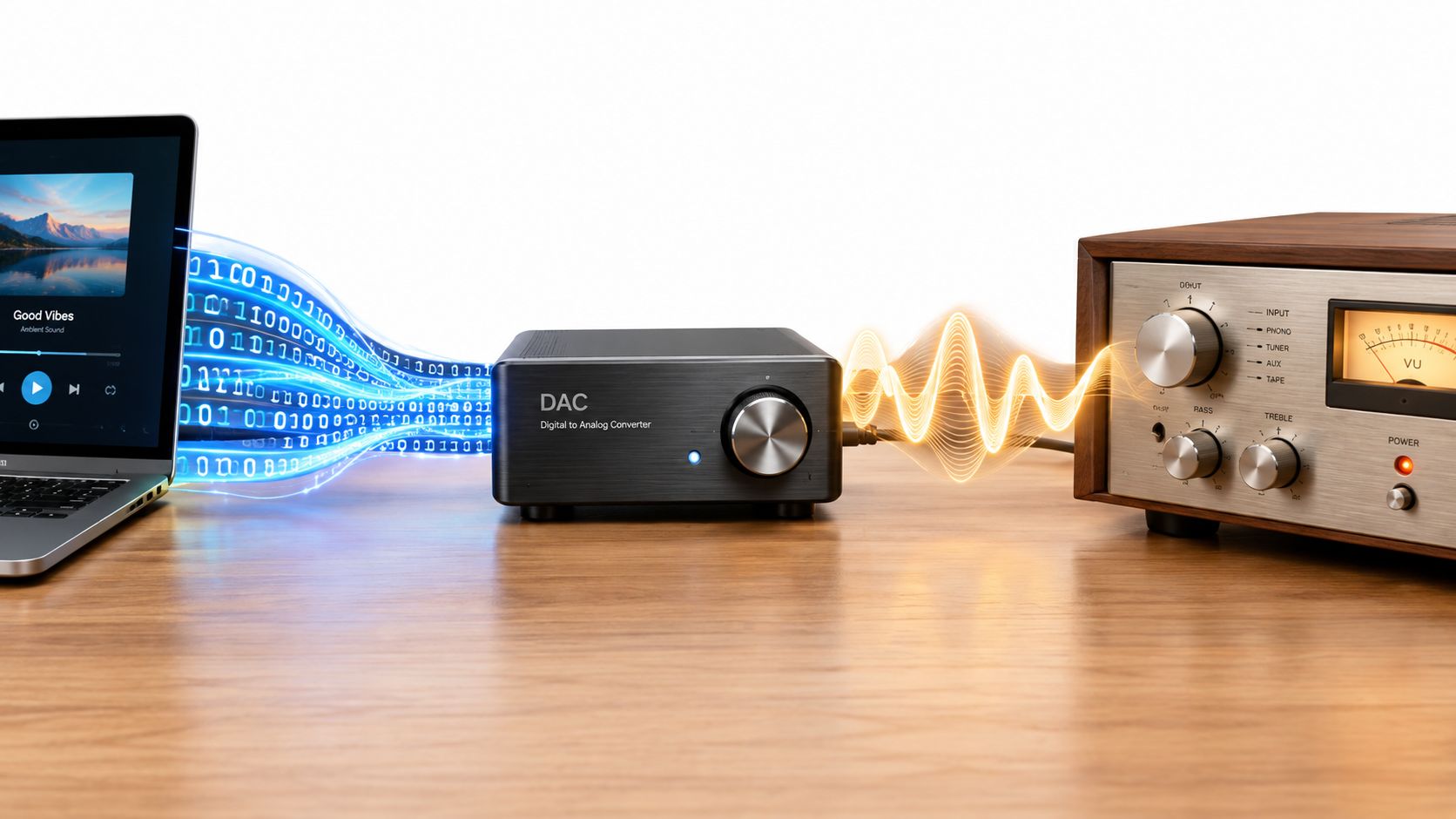
A digital to analog audio converter translates stored audio into the continuous voltage waveform an amplifier can use. Digital audio stores a sequence of numerical descriptions. Your amplifier and headphones need changing electrical voltage and current. The DAC sits between those languages.
Start with PCM, the format most listeners encounter. PCM represents amplitude measurements taken at regular intervals. Each sample records the signal's level at a particular moment, and the converter uses those values to reconstruct the waveform. DSD works differently, using a high-rate single-bit stream rather than conventional multi-bit PCM words, but it still needs conversion before an analog amplifier can do anything useful with it.
The process has several stages. The DAC receives the digital stream, interprets the sample values, and produces a stepped voltage representation. A reconstruction filter then removes the unwanted ultrasonic images created by sampling and smooths that staircase into a continuous analog signal. The analog output stage conditions that signal for the amplifier or headphone circuit downstream.
The Print Shop Analogy
Think of the digital file as a manuscript made from ones and zeros. The DAC is the printing press. The reconstruction filter is the mechanism that turns discrete marks into a readable page, while the analog output stage supplies the ink, paper, and registration.
A perfect manuscript can still produce a poor page if the press shakes, the ink spreads, or the paper feeds unevenly. The same applies to a digital stream. A capable converter chip can sit inside a badly powered product and deliver a noisy, brittle, or underpowered result.
The analogy also explains why a DAC isn't a magic sound-quality button. It can't repair a clipped master, replace a weak headphone amplifier, or make a badly recorded vocal intimate. It translates what arrives, then passes the result downstream. The amplifier inherits the DAC's noise floor, output level, and electrical behavior.
Conversion Isn't The Same As Amplification
A line-level DAC output and a headphone output perform different jobs. The line output supplies a voltage signal to a preamplifier, integrated amplifier, or powered speaker. The headphone amplifier must also deliver current into a specific electrical load, and that load varies dramatically between headphones and in-ear monitors.
That distinction sits at the center of my comparison of a DAC and an audio interface. An interface often combines conversion, microphone preamplification, monitoring control, and headphone output. A standalone DAC may focus on conversion and line output. Neither category wins automatically. The useful product is the one whose complete signal path matches the job.
A DAC makes the signal usable. The rest of the system decides how convincingly it arrives.
The Three Specs That Actually Mean Something
Spec sheets contain plenty of impressive-looking figures. Only a few directly answer what happens in playback. Sampling rate, bit depth, and jitter deserve attention because each describes a different failure point.
| Spec | What It Controls | Decision-Relevant? | Typical Floor Value |
|---|---|---|---|
| Sampling rate | The highest frequency the system can reproduce | Yes, mainly for format compatibility | 44.1 kHz for standard music playback |
| Bit depth | Amplitude resolution and quantization noise floor | Yes, mainly for recording and mastering headroom | 16-bit for distribution, 24-bit for production |
| Jitter | Timing accuracy of the conversion clock | Yes, especially in complex digital systems | Low enough not to compromise conversion |
Sampling Rate Sets The Ceiling
Sampling rate controls frequency extension, not general “detail.” A 44.1 kHz signal has a Nyquist limit of 22.05 kHz, while 96 kHz raises that ceiling to 48 kHz, as explained by the International Association of Sound and Audiovisual Archives' digital principles. Standard 44.1 kHz audio already covers the nominal 20 Hz to 20 kHz audible band.
That makes higher rates useful for particular production and processing workflows, not automatically superior for listening. A higher rate can give filters more room to operate and may suit recording, editing, or DSP. It doesn't guarantee a wider, deeper, or more musical presentation from a finished file.
Bit Depth Describes Amplitude Resolution
Bit depth controls how finely the system represents level changes. 16-bit audio provides 65,536 discrete levels and roughly 96 dB of dynamic range, while 24-bit audio provides 16,777,216 levels and about 144 dB, according to this sample-rate and bit-depth reference.
For ordinary distribution, 16-bit has enough theoretical resolution for a wide range of music. Production engineers still value 24-bit because it leaves more room for recording and processing without pushing quiet information toward the quantization floor. It's headroom, not a promise that your headphones will suddenly reveal a secret layer of the mix.
Jitter Is A Timing Problem
Jitter describes errors in the DAC clock. Samples may arrive at the wrong instant, and those timing errors can alter transient shape and spatial information. A technical paper on sampling jitter describes it as a genuine distortion mechanism and notes that jitter above 3 to 5 ps can already be extremely harmful for 24-bit quantized audio, as detailed in the published engineering paper.
In listening terms, bad timing can soften attack, make stereo edges less stable, and hollow out the center image. It's not a mystical “digital glare” knob. It's clock performance.
SNR and THD+N still help identify competent engineering, but once a product clears 100 dB, those figures tell me less about its musical personality than the output stage and the amplifier it feeds. Specs can clear the doorway. They can't furnish the room.
PCM, DSD, and the Formats You Will Actually Meet
PCM and DSD aren't competing belief systems. They're different ways of representing audio, and most listeners can use both without turning the choice into a personality test.
PCM stores amplitude snapshots on a regular grid. A 24/96 file, for example, uses multi-bit samples with a sampling rate of 96 kHz and a bit depth of 24 bits. The sample rate determines frequency extension, while bit depth determines amplitude resolution and the potential noise floor.
DSD uses a single-bit stream running at a very high sampling rate. It moves the quantization noise out of the audible band through aggressive oversampling and filtering. The result behaves differently inside the converter, but the listener still receives an analog waveform after the DAC and its output stage complete the work.
| Attribute | PCM, for example 24/96 | DSD, for example DSD64 |
|---|---|---|
| Basic structure | Multi-bit amplitude samples | High-rate single-bit stream |
| Common sources | Streaming, downloads, video, gaming, recording | SACD-derived playback and specialist downloads |
| Practical compatibility | Broad | More dependent on player and DAC support |
| Main decision | Sample rate and bit depth | Native playback and conversion path |
| Best reason to choose it | It's the standard format for most listening | You already own native DSD material |
PCM covers nearly all streaming, video, and gaming playback. It also fits ordinary recording and editing workflows without requiring special handling. DSD matters most when you have native SACD material or a specialist download collection and want the converter to accept that format directly.
The Software Often Changes The Format
Player software may downsample, convert DSD to PCM, or send the stream in a different mode depending on the operating system and output settings. That doesn't automatically ruin the result. A well-designed conversion stage can sound better than a fragile “native” path that introduces glitches, noise, or poor volume handling.
The DAC's job is to receive a valid stream and convert it cleanly. It doesn't award extra musical virtue to a file because the label says DSD. I've heard ordinary PCM sound immediate, dimensional, and properly weighted. I've heard high-resolution files sound flat because the mastering and playback chain were the primary problem.
Choose the format your library and system handle reliably. Reliability beats ritual.
Why Implementation Eats Chipset Folklore for Breakfast
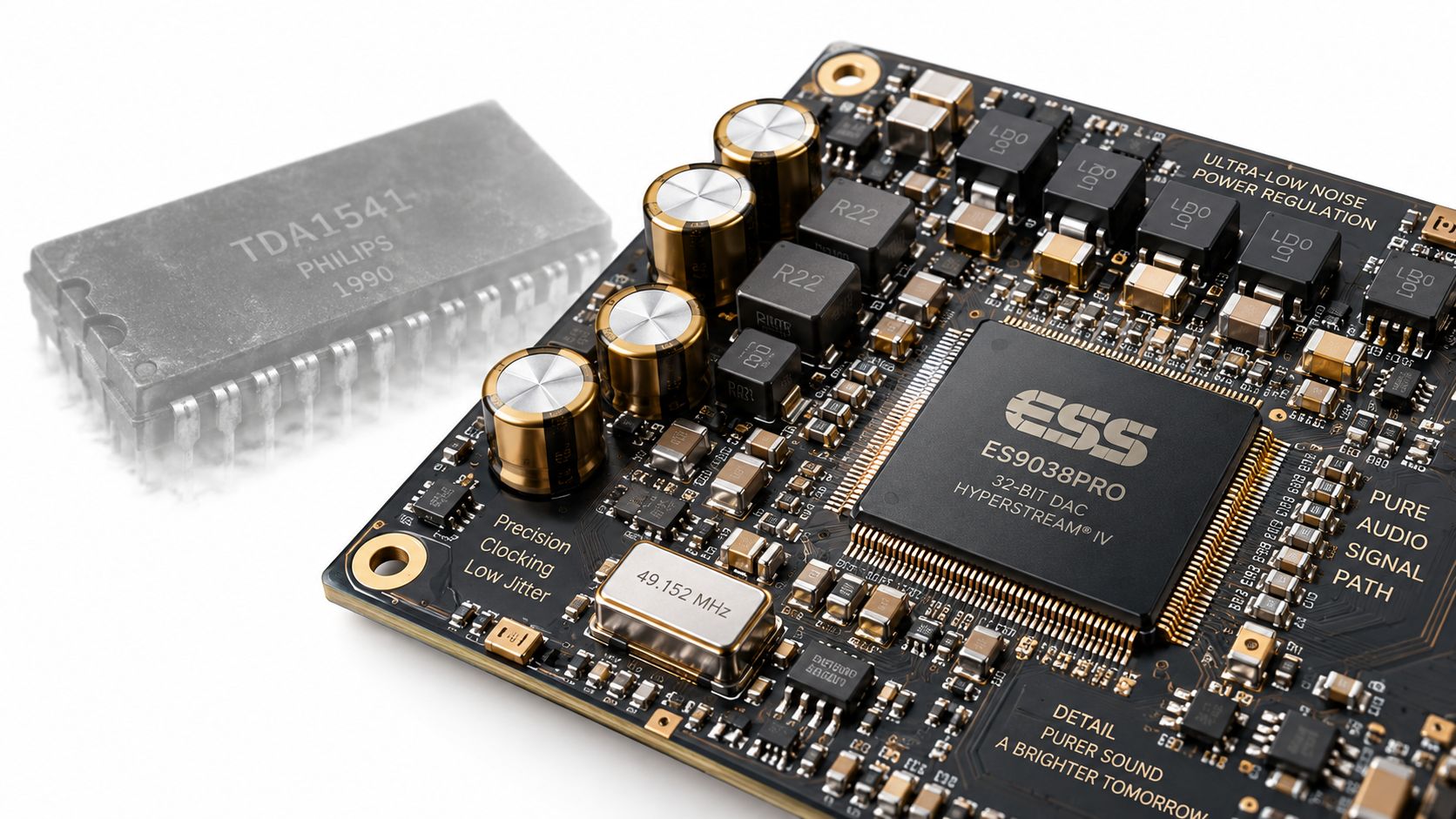
The industry has started making the important shift more obvious. Recent releases from Cirrus Logic and ROHM show manufacturers refreshing pro-audio and premium playback DAC lines rather than treating an old flagship chip number as a permanent crown. Cirrus Logic announced cost-effective pro-audio DACs in June 2025, while ROHM introduced a second-generation 32-bit audio DAC in January 2025 with claimed signal-to-noise ratios from 120 dB to 123 dB, as reported in AudioXpress' coverage of the manufacturer launches.
That shift points to the key question. How is the chip clocked, powered, filtered, and integrated?
The Chip Is Only The Middle Of The Sentence
After the DAC silicon, the signal usually passes through a current-to-voltage converter, an analog low-pass filter, and an output stage. The power supply feeds those stages, while the clock determines when the converter performs its work. Every one of those blocks can alter noise, drive, linearity, and transient behavior.
The current-to-voltage stage can make bass feel taut or slightly swollen. The filter can affect leading edges and the sense of air around cymbals. The output stage determines whether the line output feels relaxed, incisive, dense, or anaemic. Power supply noise can sit underneath everything like a fluorescent light you can't switch off.
That's why ESS, AKM, and Cirrus implementations don't have one universal sound. The brand on the silicon describes a design family, not the final listening experience. A discrete output topology may produce a different texture from an integrated feedback stage. An IFP-style topology may prioritize a different balance of speed and linearity. The circuit gets the last word.
Practical rule: Buy the implementation, not the family name printed on the chip.
A revealing A/B comparison often shows this immediately. Two products may use the same converter and still differ in image depth, bass grip, vocal density, or treble texture. One might place the singer solidly between the speakers. The other may spread the room wider but leave the center less anchored. Neither result comes from the chip alone.
There's a broader lesson in the discussion of DACs hidden inside amplifiers with digital inputs. A system can hide its conversion stage inside another component, but downstream still inherits its noise and output behavior. The location changes. The responsibility doesn't.
Here's the circuitry in motion, not the marketing shorthand:
Once the chip reaches a competent technical floor, implementation decides whether the sound has body, separation, and composure. Silicon starts the sentence. The output stage finishes it.
How to Choose a DAC That Fixes the Real Problem
Start with the constraint, not the product category. Where do you listen, and what headphones or speakers must the converter drive?
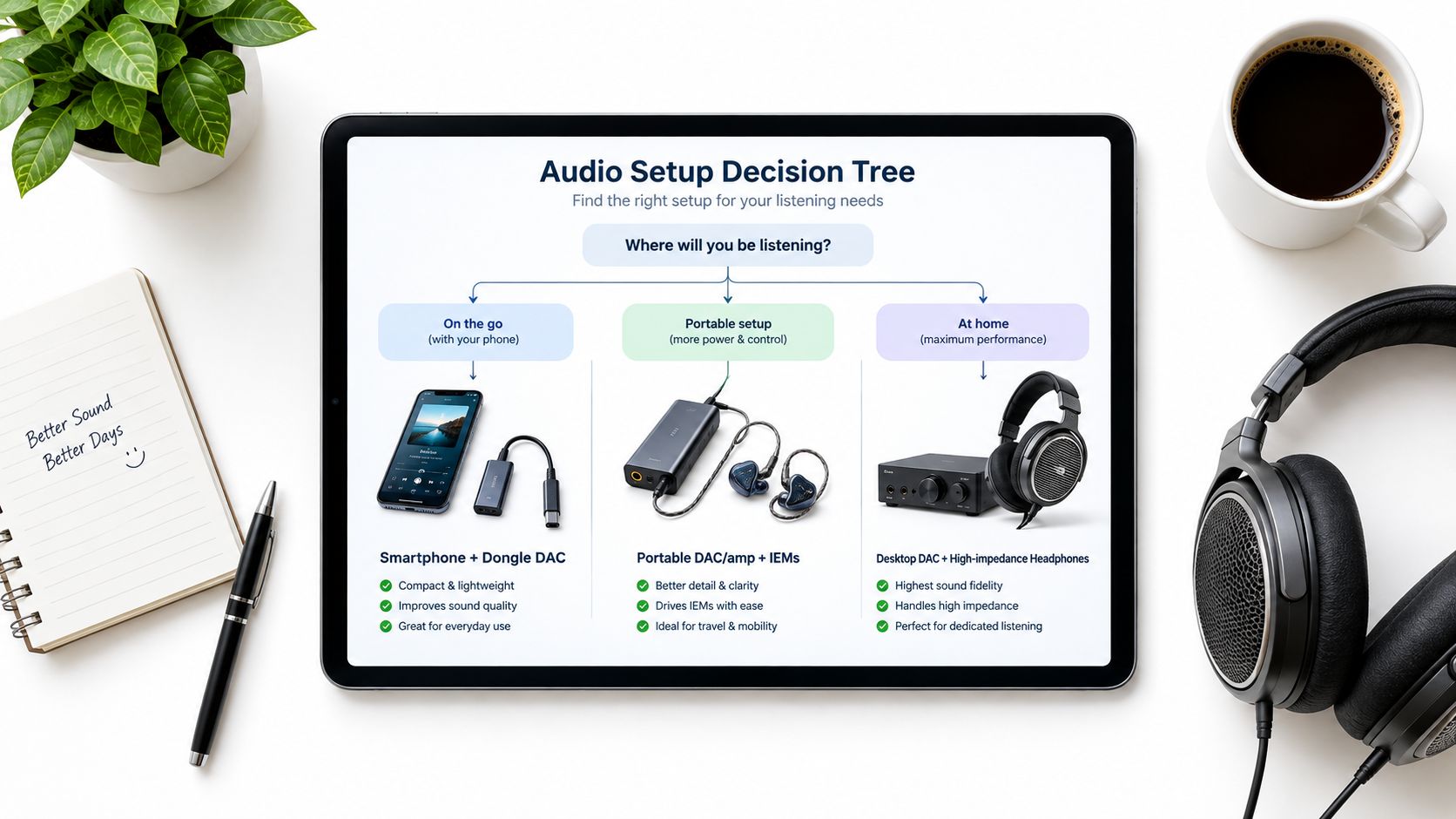
A simple dongle makes sense for a phone or laptop, especially with easy-to-drive headphones under 50 ohms. It keeps the system light and draws power from the source. If your current setup already reaches comfortable volume without hiss or congestion, a more elaborate DAC may add convenience rather than a meaningful correction.
A portable DAC/amp earns its space when the headphones need more current, particularly demanding planar designs, or when sensitive IEMs expose noise from the source. The separate battery lets the output stage work harder without asking the phone to supply everything. That can restore bass control and dynamic weight that a weak phone output leaves behind.
A desktop DAC suits a fixed listening seat, full-size headphones, power-hungry planars, or a speaker system with a preamp. It can offer more power, better physical connectivity, and cleaner integration with the rest of the rack. A desktop enclosure doesn't automatically sound better, but it gives the designer more room to build the load-bearing parts properly.
Follow The Load
Headphone impedance alone doesn't tell the entire story. Sensitivity, current demand, frequency response, and the amplifier's output impedance all matter. A headphone can have an ordinary impedance figure and still sound restrained when the amplifier can't deliver clean current during a dense bass passage.
Buyers waste money here. They replace the DAC chip while the headphone amplifier stage struggles with the load. The new box may produce cleaner line output, but the headphones remain underfed. The result sounds almost unchanged, because the actual bottleneck stayed in place.
Use this decision tree:
- Phone or laptop, easy headphones, mobile listening: choose a compact dongle if the existing output has hiss, low volume, or poor connectivity.
- Mobile listening, difficult headphones, current-sensitive IEMs: choose a battery-powered portable DAC/amp with a stronger output stage.
- Desk or rack system, demanding headphones, speakers, or preamp duties: choose a desktop DAC with the connections and drive capability your system needs.
For a broader headphone-focused framework, use this guide to choosing a DAC for headphones. Supermarket Sound also publishes DAC guides that explain connection paths and system roles for readers who want to map a converter into an existing setup.
Match the category to the load and the room. Ignore the trophy chip.
The Bottom Line on Buying for Your Ears
Musicality beats measurement when measurement has already established competence. A DAC that clears the technical floor doesn't need a more famous chip. It needs quiet power, stable timing, a sensible analog stage, and an amplifier that can handle your headphones.
Test the actual system before spending again:
- Match levels: Play the same track through two DACs at matched listening levels. Louder usually sounds more impressive, so remove that trick.
- Check sensitive IEMs: Listen between tracks and during quiet passages. A good result means the noise floor disappears into the room.
- Stress the bass: Use a dense mix with layered low frequencies. Bass texture should remain distinct instead of turning into one soft block.
Don't crown a winner from a screenshot. Oscilloscopes can expose bad engineering, but your ears decide whether a vocal has weight, whether a snare has skin, and whether the room feels connected to the speakers.
Trust the ears. Then buy the box that fixes the problem.
If your current setup sounds thin, noisy, or underpowered, write down the source, headphones, amplifier, and listening location before you shop. Use that information to choose a dongle, portable DAC/amp, or desktop converter that addresses the load instead of chasing a chip name. Explore the practical DAC guides at Supermarket Sound, then audition the shortlisted unit in your own system before committing.

