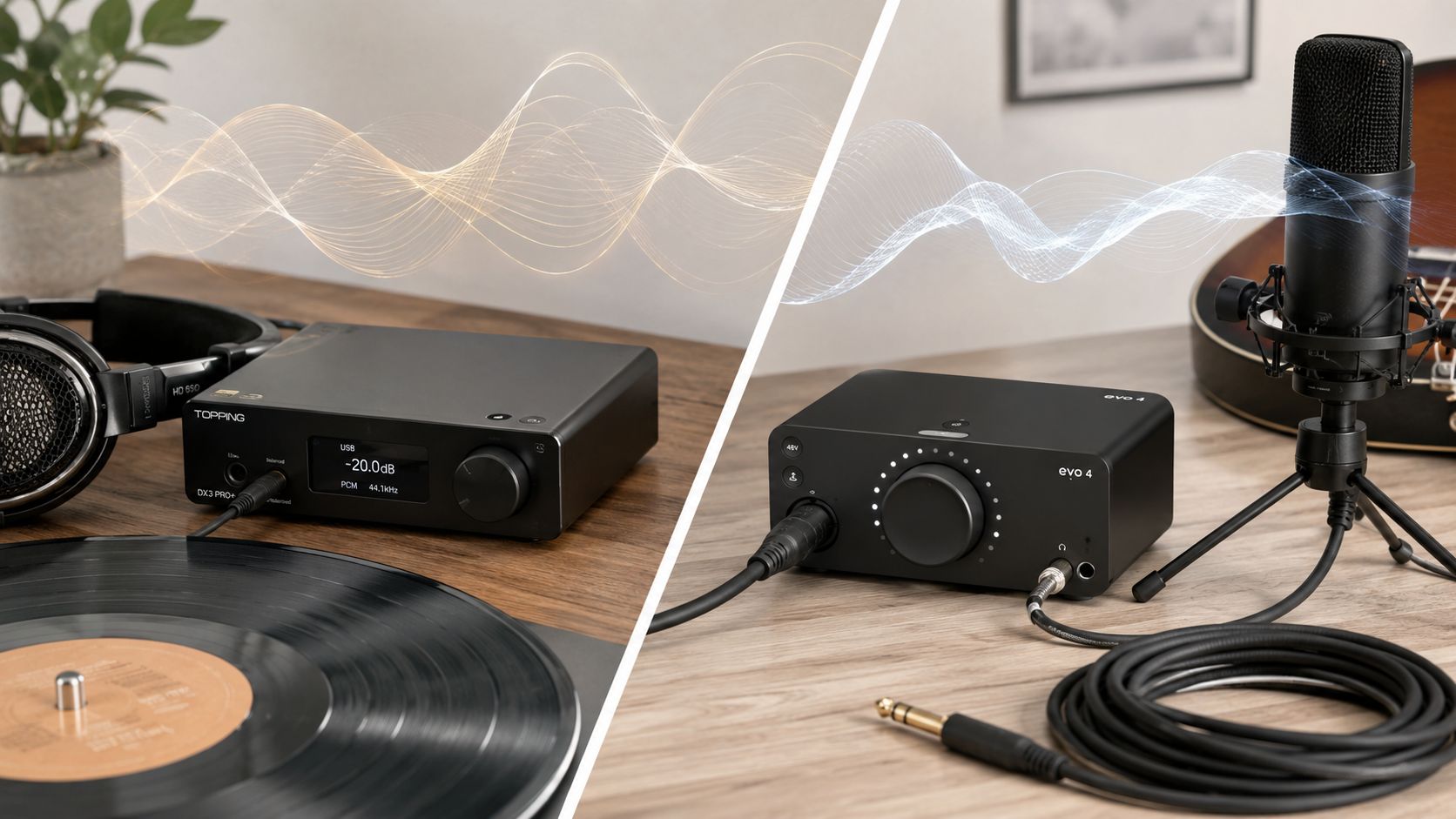
Stop asking whether a DAC is “better” than an audio interface. That's showroom nonsense. The core question is whether you need playback only or a box that also handles capture, and once you frame it that way, most of the fog clears fast.
I've sold both, listened to both, and watched people buy the wrong one for the right reasons. A dedicated DAC can be the clean, sensible answer for a listener who never records. An audio interface is the right tool the moment a mic, guitar, or line input enters the picture, because an interface can do the DAC job, but a DAC can't do the interface job. That's the load-bearing difference.
Table of Contents
- The Question Most DAC vs Interface Comparisons Refuse to Ask
- What a DAC Is and What an Audio Interface Actually Does
- Side by Side on the Criteria That Actually Matter
- When an Interface DAC Is Good Enough and When It Is Not
- Three Setups and the Right Tool for Each
- Budget Tiers and What You Actually Buy at Each Step
- The Decision Rule and When to Break It
The Question Most DAC vs Interface Comparisons Refuse to Ask
The lazy advice says DAC for listeners, interface for creators. That's not wrong so much as incomplete. It's the bumper sticker version of a decision that hinges on signal flow, monitoring needs, driver behavior, and whether you care about capture as much as playback.
Stop Shopping for Identity and Start Shopping for Problems
A dedicated DAC solves one job, digital to analog playback. An audio interface solves a broader one, because it has to move both directions through the chain. That means the interface carries the burden of input, output, monitoring, and latency management, while the DAC can put its whole life into output. The comparison is not “which sounds more serious,” it's “what problem are you trying to remove from the chain.”
That distinction matters because a lot of people are chasing one of four things, not a device type. They want cleaner line-level playback, more headphone drive, less hiss, lower latency, or a recording front end that doesn't turn every session into a cable argument. A box only earns its place if it solves the problem you hear.
Practical rule: if you can't name the problem, you're probably about to buy decoration.
The market loves pretending this is a status contest. It isn't. In real rooms, downstream gear inherits whatever the source hands it, and weak headphones, bad gain staging, or a noisy USB setup can make both categories look worse than they are. That's why I don't start with the logo on the front panel. I start with the job description.
A lot of comparison pages stop at the obvious split and never answer the useful question, which is whether an interface's built-in DAC is already good enough for serious listening. That's the part people need. Not “which box is for whom,” but when does a dedicated DAC add something audible, and when is it just another box eating desk space.
What a DAC Is and What an Audio Interface Actually Does
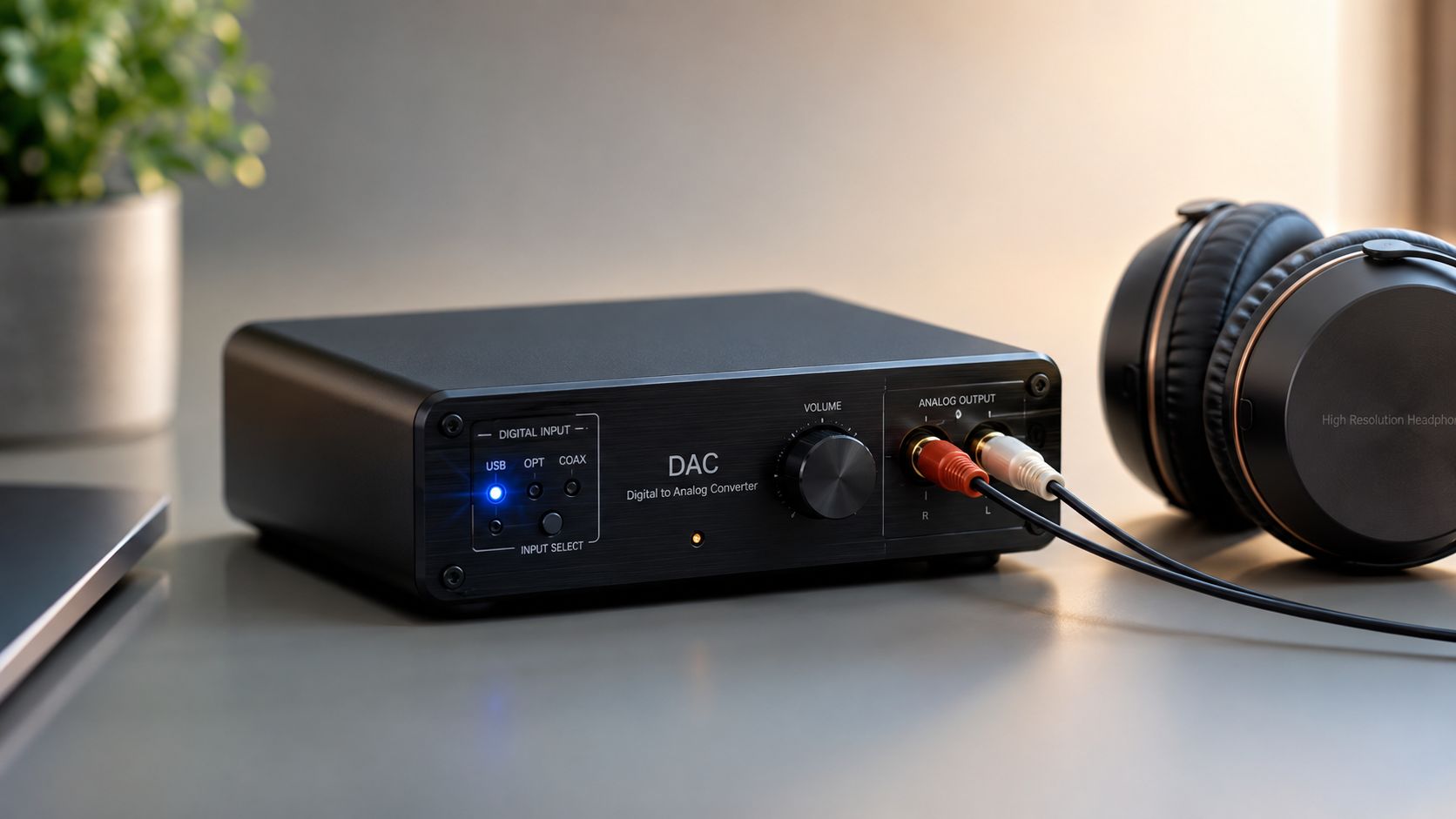
A dedicated DAC is a one-way device. Digital audio goes in, analog audio comes out. That's the whole deal, and it's a good deal when playback is the only thing on the menu. A audio interface is a bidirectional bridge, because it also has to perform analog-to-digital conversion for microphones and instruments, which means it's built for both capture and monitoring, not just output.
The Signal Chain Is the Real Product
Think of the DAC as the end of the playback road. It takes the file, stream, or digital feed and turns it into voltage your amp or headphones can use. That's why a dedicated DAC can spend its whole design budget on output quality, analog stage behavior, and the kind of playback focus that hi-fi buyers notice fast.
An interface has a different burden. It has to accept input, often from a mic or instrument, bring that signal into the computer, and get audio back out for monitoring without turning the whole process into a laggy mess. The professional-audio market treated the interface as the creator's default hardware for years because it bundles conversion, preamps, headphone monitoring, and low-latency driver support into one box, which is exactly why it became the bridge between acoustic sources and DAWs. Audio-Technica's overview frames the split cleanly, listeners on one side, creators on the other.
That's also why the interface often behaves like the floor of the studio, not a luxury accessory. One box becomes the hub where recording, playback, and monitoring meet. A standalone DAC never has to shoulder that job.
Practical rule: if a box needs to record you cleanly and play you back cleanly, it's doing two jobs, not one.
For readers who want the plain-language version of the playback side, my own simple breakdown lives in this DAC primer. But the key point here is structural. A DAC is a playback specialist. An interface is a traffic controller.
The important consequence is that an interface's circuitry has to split its attention between capture and output, while a pure DAC can stay married to the analog side. That doesn't make the interface bad. It makes it purpose-built for a different life.
Side by Side on the Criteria That Actually Matter
The cleanest way to judge dac vs audio interface is to stop asking what they are and ask what each one does for the system. The six criteria that matter in real use are conversion quality, preamps, latency and drivers, headphone output, connectivity, and software behavior.
Where the Two Categories Overlap
On pure conversion quality, a decent interface can be completely satisfying for playback. I've heard enough interfaces sound neutral, unforced, and unglamorous in the best way to know that the conversion stage alone is often not the problem people think it is. When listeners complain about an interface, the issue is frequently elsewhere in the chain.
That's why preamps matter only if you record. If you're not plugging in a mic or instrument, an interface's preamp section is dead weight from your point of view. A DAC doesn't even pretend to carry that burden, which is part of why it can stay simpler and sometimes feel more focused.
Where the Categories Split Hard
Latency and drivers are the interface's territory. A DAC can sound excellent and still be useless for recording if it can't support responsive monitoring. A lot of people blame “sound quality” when what they're hearing is delayed monitoring, unstable software, or poor system integration.
Latency is not a flavor of conversion. It's a workflow problem.
Headphone output is where things get spicy. Some interfaces drive headphones cleanly and with enough authority to sound composed. Some don't, and when they don't, you hear flattened dynamics and a sense that the music is being held by the scruff of the neck. A dedicated DAC or DAC/amp combo often does better here because it can focus on output drive instead of trying to be everyone's friend.
Connectivity is the other practical divider. Interfaces usually give you more I/O flexibility, which is why they rule recording desks. DACs tend to keep the front panel cleaner and the back panel simpler, which is exactly what you want when playback is the only mission.
Here's the quick read.
| Criterion | Dedicated DAC | Audio Interface |
|---|---|---|
| Conversion quality | Often excellent for playback, with the design focused on output | Often excellent for playback too, but the design also has to support input and monitoring |
| Microphone preamps | None | Built in when recording is part of the job |
| Latency and drivers | Not the main reason to buy one | Core part of the category |
| Headphone output power | Often a major focus | Varies, sometimes strong, sometimes merely adequate |
| Connectivity | Narrower, cleaner playback focus | Broader I/O for recording and monitoring |
| Software ecosystem | Usually simpler | Often more dependent on driver and control software |
The table isn't a verdict. It's a filter. If you need capture, the interface wins before the listening starts. If you only need playback, the DAC wins by refusing to waste attention on anything else.
When an Interface DAC Is Good Enough and When It Is Not
Here's the part too many buyers miss. In a modern system, an interface's built-in DAC is often already transparent enough that the conversion stage itself stops being the bottleneck. That's why so many people hear a bigger change from headphones, speakers, room, or gain structure than from swapping one competent interface for another competent DAC.
When the Interface Holds Its Ground
If your headphones aren't hard to drive and your listening chain is otherwise sane, an interface can do serious playback duty without embarrassment. The sound can be clean, open, and perfectly believable. The issue is not that interface DACs are weak. The issue is that they're often only one part of a device that was built to do more than playback.
That's where dedicated DACs can still win. A single-purpose box can put more attention into the analog output stage, the headphone amp, and power supply isolation. You hear that as more ease, better grip, or a little more textural confidence when the rest of the system is already honest enough to show it.
When the Dedicated DAC Actually Earns Its Keep
A lot of people buy a DAC to solve a problem that lives somewhere else. They have a noisy USB bus, a weak amplifier, or headphones that need more current than the interface can comfortably give. A different box won't rescue a starved signal.
Buying a DAC to fix a bad cable path is a cable-adapter fetish, not a system upgrade.
That's the trap. If the upstream chain is crooked, the downstream box inherits the mess. In that situation, a dedicated DAC can be the right move only if it's paired with a better analog stage or headphone amp and the rest of the chain can support it. Otherwise you've just moved the problem around the desk.
The short rule is simple. If you already own an interface and playback sounds clean, the DAC is probably not your next bottleneck. If the sound feels flat, under-driven, or constrained after the rest of the chain has been sorted, a dedicated DAC or DAC/amp can be the honest next step. First fix the weak link. Then listen again.
Three Setups and the Right Tool for Each
The right answer changes fast once you stop talking about abstract categories and start talking about actual rigs. I've watched people buy an interface for a hi-fi desk and a DAC for a recording corner. Both moves were wrong, and both buyers knew it the minute they plugged the thing in.
The Desktop Listener With Serious Headphones
If you sit at a desk, play music all day, and run headphones that aren't easy to wake up, the clean answer is a dedicated DAC plus a proper headphone amp. You're not paying for inputs you'll never touch. You're paying for the playback path to be the center of gravity.
An interface can still work here, especially if it has a strong headphone stage, but it's the wrong shape of solution if recording never enters the picture. You end up with a compromise box whose unused features are just bench clutter.
Verdict. Buy for playback, not for imaginary recording.
The Portable Listener Living Between Laptop and Phone
Portable setups are about friction. Size, power draw, and cable mess matter more here than the romance of a big front panel. A small DAC can be the cleanest answer if you want better headphone output and a simple path from laptop to headphones. A compact interface only makes sense if you need its capture features on the move.
That's why mobile use is so often a playback question disguised as a gear question. If your phone and laptop are feeding headphones on a couch, at a café table, or on a train seat, the extra interface features may never earn their keep. If you want a tighter primer on what belongs in a recording-first shopping list, I'd send you to this interface guide, but for pure portable listening the interface usually brings more baggage than benefit.
Verdict. Choose the smallest box that solves the listening problem.
The Home Studio Owner With a Mic and a Guitar
Once you're recording a vocal, a guitar, or a line source into a DAW, the decision is over. The interface is the hub. It handles input, output, monitoring, and driver behavior in one place, which is exactly what a home studio needs.
Could you add a separate DAC later for monitoring? Sure, and sometimes it makes sense when the playback side is especially demanding. But that's a second-stage refinement, not the starting move. The studio needs the interface first because the interface is the thing keeping the whole session together.
Verdict. Start with the interface, then upgrade playback only if you hear the need.
Budget Tiers and What You Actually Buy at Each Step
Money changes the shape of the decision, but not the logic. Budget doesn't decide the category for you. Intent does. Still, the tier you're shopping in tells you what kind of refinement is realistic and where the money is likely to land.
Entry Money Buys Coverage
At the lower end, you're usually buying a starter solution that gets sound out of the computer without drama. A starter DAC in this range is for someone who mainly wants cleaner playback and a dedicated headphone output. A starter interface in the same range makes more sense if there's any chance of recording, because the extra I/O keeps you from rebuying the whole front end later. For a bargain-minded playback-only buyer, this DAC guide is the safer shopping lane.
Midrange Money Buys Refinement
Once you move into the middle of the market, the difference starts showing up in the analog side, in headphone drive, and in how confidently the box behaves with real gear. Dedicated DACs at this level tend to feel more deliberate on playback, while interfaces gain better preamps and steadier driver behavior for users who are recording.
That's where the buying mistake gets expensive. People spend for a feature they won't use and miss the feature they'd hear every day. Midrange is where the right category starts paying back the decision.
Serious Spend Buys Diminishing Returns
At the top end, the conversation shifts. The device matters, but the system matters more. Speakers, headphones, room, source quality, and gain structure start dominating what you hear. Spend enough and the law of diminishing returns stops being a concept and starts being a receipt.
At that level, a dedicated DAC can be a beautiful part of a playback chain, and a serious interface can be a rock-solid studio center. But neither one gets to hide behind price anymore. The rest of the system has to justify the money.
The Decision Rule and When to Break It
Pick a dedicated DAC if you only play back music and you care about the analog side doing one job well. Pick an audio interface if you record anything at all, because the moment a microphone, instrument, or line input enters the chain, the interface becomes the load-bearing choice.
There's one sensible exception. If you're a serious listener with hard-to-drive headphones, it's perfectly rational to run a dedicated DAC or DAC/amp downstream of an interface for monitoring. That's not redundancy. That's a deliberate split between capture and playback.
Choose the box that matches the job, not the badge. Your ears will thank you.

