
Most advice on the best audio interface under 500 is lazy. It treats recording boxes like toaster rankings. Count the ports, sort the specs, crown a winner, collect the affiliate click.
That's not how these things live in a room. An interface isn't just I/O and driver chatter. It's the front door to your entire signal path, and if that door feels cheap, flat, or fussy, everything downstream inherits it. I'm not above SEO. You searched this because you want a clean answer. Here's mine. There is no single best audio interface under 500. There is only the right one for the way you record, the way you monitor, and the kind of sound you like hearing back.
Your Next Interface Is a Lie (Mostly)
The phrase “best audio interface under 500” is mostly a search-engine fantasy. Useful as a query. Misleading as a decision.
Most buying guides keep pretending the job is to sort boxes by spec density. More gain, more lights, more features, more checkboxes. But Wirecutter's own framing admits it favors a popular option for “most musicians” because of “logically laid out” features, while the real sound-first comparison people actually need, tonal coloration and transient response in real listening scenarios, still goes missing. That gap is the whole story.
Spec Sheets Don't Sing
A converter can measure beautifully and still leave me cold. A preamp can be technically clean and still make a vocal feel papery. A headphone output can be “fine” on paper and still make tracking annoying enough that you sing worse. That's the stuff people notice after purchase, not before.
Not the spreadsheet. The session.
Taste matters more than feature count once the basics are covered.
The funny part is that this advice gets even worse in the sub-$500 range, because in this price bracket, people most need clarity. They're not shopping for a trophy. They're trying to build a recording chain that won't fight them.
Buy For the Recording You Actually Make
If you're tracking one vocal at a time, you need a box that stays fast, quiet, and honest in headphones. If you're overdubbing bass and vocal, routing starts to matter. If you're layering soft synths and DI guitar, latency becomes part of performance, not just a tech note. The “best” pick changes fast.
That's also why I'm a fan of used gear when the model has aged well and the ports aren't abused. I covered the practical side of that in this guide on how to buy used audio equipment without buying somebody else's problem.
Here's the thesis. Stop chasing a winner. Start choosing a voice and a workflow.
That is the primary filter.
Preamps, Converters, and Other Load-Bearing Parts
The parts that matter aren't mysterious. People just talk about them like they're trading cards.
Preamps Set the Tone of Trust
A preamp is not a number. It's the first handshake your mic gets. If it's brittle, your vocal gets hard before you even start mixing. If it's soft in the wrong way, detail blurs and consonants lose shape. To my ears, good interface preamps don't need to sound “colored.” They need to sound settled. Confident. Like they're not starving the signal.
For singers, that matters more than almost anything else. The broad buying-guide problem is that hybrid vocal and instrument recording gets flattened into generic advice, even though vocalists need low-latency, pristine preamps and composers often need higher headroom and more flexible routing. That blind spot is exactly what the sound-quality discussion under $500 keeps missing.
Converters Are the Floor
Converters are the floor of the house. Not the wallpaper. Not the lamp. The floor.
If the AD and DA stages are weak, everything downstream inherits it. Your reverb choices get less obvious. Stereo placement gets foggier. Transients lose edges. You can still make good records on modest converters, but you can't pretend that conversion quality is just audiophile garnish. It shapes how confidently you make decisions.
Practical rule: Don't read converter specs as a contest. Read them as a clue to how much depth, separation, and ease you're likely to get before the mix even starts.
I O Matters More Than People Admit
Nothing reveals a bad purchase faster than outgrowing it in a week.
Two inputs sound sufficient until you want to sing while tracking an instrument, feed two monitor paths, or give a collaborator their own headphone level. Routing is workflow, and workflow becomes performance. If monitoring is awkward, takes get worse. If cabling becomes a workaround circus, sessions slow down.
A few things I'd treat as load-bearing:
- Mic input quality: Not because specs are glamorous, but because a weak front end makes every mic flatter.
- Headphone monitoring: If the cue feed feels pinched or awkward, performers tense up.
- Output flexibility: Extra outs aren't luxury. They're options you'll eventually need.
- Driver behavior: Not glamorous, but a flaky interface turns every session into IT support.
Ignore the Decorative Features
Not every marketed feature matters on day one.
Some extras are useful. Some are just menu clutter in a metal box. The right way to read a spec sheet is not “which one has more.” It's “which one has the parts my workflow can't live without.”
That's the difference between buying gear and building a recording chain.
The Market Standard vs The Speed Demon vs The Analog Vibe
Here's the part the spec-sheet crowd gets wrong. Three interfaces can look close on paper and feel completely different the moment you plug in a mic, put on headphones, and try to finish a take without fighting the box.
Under $500, I hear three useful camps. The safe default. The fast, tight recorder. The one that adds a little attitude and feels more like studio gear than computer plumbing.
Three Real Personalities, Not One “Best”
The market standard is the familiar entry-level 2 in, 2 out interface that ends up on a huge number of desks for a reason. It usually sounds honest, behaves predictably, and asks very little of a beginner. That matters. A first interface should not feel like a puzzle.
I don't love these boxes because they're exciting. I like them because they stay out of the way. Vocals come back clear enough to judge. Guitar DI tracks don't arrive pre-sweetened. You make decisions faster because the interface isn't trying to impress you.
The speed demon is for players who notice latency immediately and hate that slight disconnect between performance and playback. Some compact interfaces in this price range are better at feeling immediate. You sing tighter. You play bass with better pocket. Monitoring stops feeling like a compromise and starts feeling playable.
That shift is not subtle in a real room.
The analog-vibe option is the small desktop interface that gives you a little more character in the mids, a more satisfying monitor path, and controls that feel designed by someone who has tracked overdubs. No, it won't turn your bedroom into a control room. Yes, it can make long sessions more pleasant and help sources sit in place faster.
What These Types Actually Sound Like
The market-standard box usually wins on familiarity. It rarely sounds huge or glamorous, but it rarely sounds wrong. If you record voice notes, demos, lessons, acoustic guitar, vocals, and the occasional DI, that kind of neutrality is a strength. You stop thinking about the interface and start finishing work.
The speed-focused box tends to feel more precise. Transients arrive with less blur. Cue monitoring feels tighter. Rhythm parts are easier to trust because the whole chain feels more immediate. If you track yourself while listening closely in headphones, this category earns its keep fast.
The analog-vibe pick gives you the most “I enjoy using this” factor. That matters more than reviewers like to admit. Slightly firmer mids, a more flattering presentation, and better day-to-day ergonomics can beat a tiny spec advantage you will never hear in a normal room.
If your setup is starting to blur the line between recording rig and live-routing desk, read this guide on the audio interface vs mixer decision for more complex home studio setups.
My Advice
Buy the market-standard type if you want the lowest chance of regret.
Buy the speed-focused type if monitoring feel affects your performance.
Buy the analog-vibe type if you care about the experience of tracking and overdubbing, not just capture quality.
There are sleeper options in this price range, including cleaner detail-first boxes and a few higher-I/O outliers. I would only chase those if you already know why the usual 2-input choices will annoy you. Otherwise, keep it simple. The right pick is the one that sounds believable in your headphones, stays stable, and makes you want to record another take instead of opening another review tab.
Who Are You Recording? Matches for Your Workflow
The right interface gets obvious once you stop asking “what's best” and start asking “what am I asking this box to do every week?”
The Singer-Songwriter Needs a Trustworthy Front End
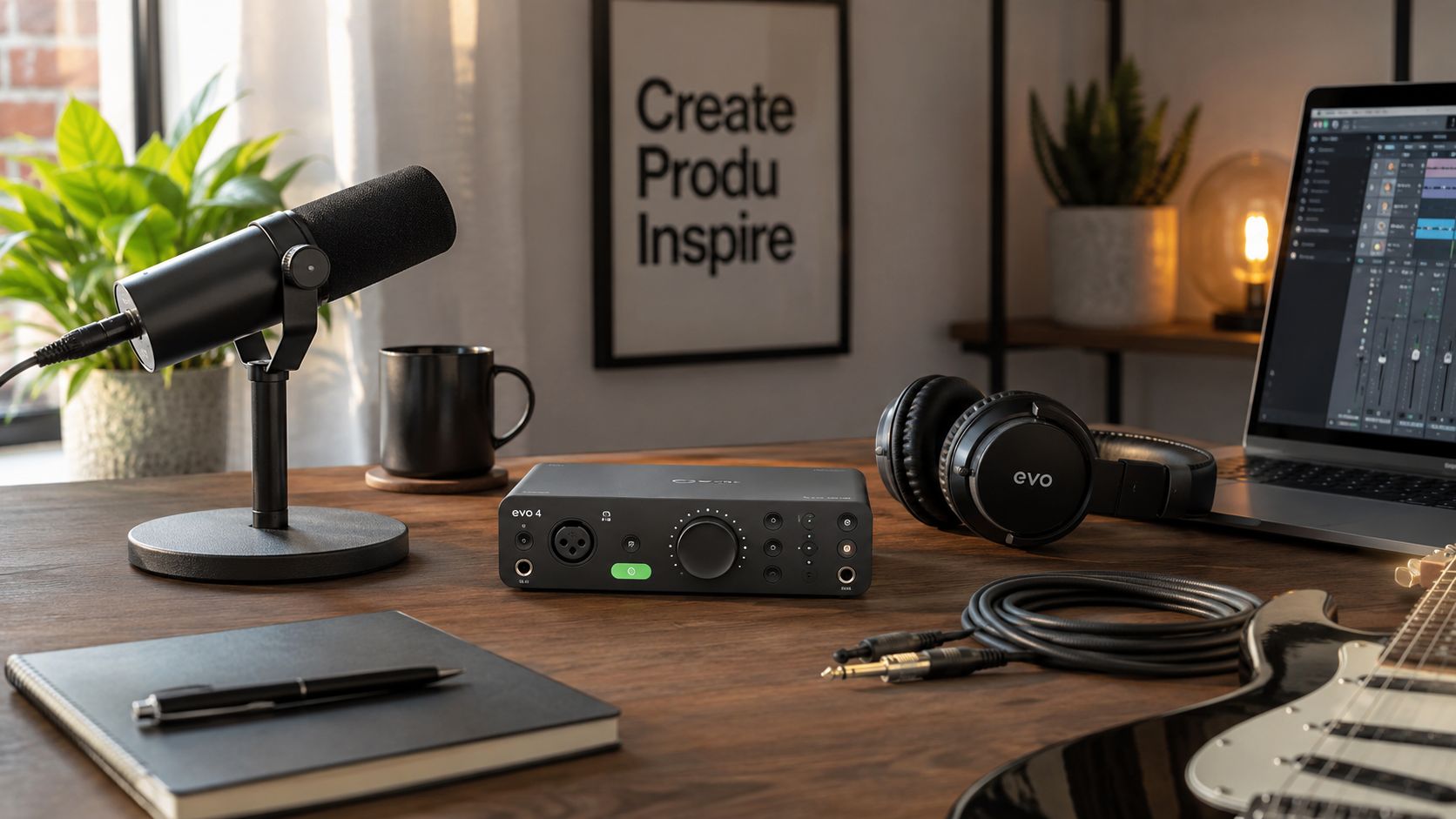
If you're recording one voice, one guitar, and a lot of overdubs, I'd lean toward the box that feels easiest to live with in headphones and easiest to route without friction. That's where the SSL 2+MK2 earns its keep.
Its 24-bit/192kHz converters, 110dB dynamic range, bundled SSL Native plug-ins, and 4×4 I/O with 2 mic inputs, 2 line inputs, 2 line outputs, plus 2 headphone outputs make it structurally better suited to bass-and-vocal overdubs than a simpler 2i2-style layout. The bundled software also replaces separate purchases that would otherwise cost $150–$200 in that same source, which is real value, not brochure fluff.
That setup suits the person who wants to track, comp, and keep moving. Less workaround. More recording.
The Podcaster or Streamer Needs Boring Reliability
For spoken-word work, I don't mean “boring” as an insult. I mean it as praise.
You want clean gain, sane controls, and a monitoring path that doesn't ask you to become an amateur systems integrator before breakfast. The market-standard choice usually wins here because the job is consistency. Not character. Not romance. Consistency.
A podcast voice doesn't need mystery from the interface. It needs intelligibility and a setup you won't resent every time you arm a track.
Choose the box that disappears fastest if your work is mostly voice.
The Mobile Producer Needs Speed and No Drama
If you build songs by layering parts, punching in quick takes, and playing virtual instruments while tracking, latency will shape your whole mood. In that case, the fast, transparent option is the right call.
Not because speed is sexy. Because delay makes performances worse.
You don't need an interface that flatters your imagination. You need one that keeps up with your hands. That's why the low-latency camp makes so much sense for mobile or compact writing rigs. It feels less like recording through a device and more like just recording.
The Multi-Source Tinkerer Should Stop Buying Two-Channel Boxes
Some people buy a basic 2-in, 2-out unit and immediately start inventing weird workarounds. External splitters. Constant repatching. Headphone compromises. Temporary monitor hacks that become permanent.
Don't do that.
If you know you're recording two sources often, or you know you need independent monitoring, buy the interface that already has the routing. The extra outputs and headphone flexibility aren't decorative. They're structural. Once your setup asks for them, a smaller box becomes the bottleneck.
That's when the “cheaper” option starts costing you time.
Don't Starve the Signal Your First Day
The first bad sound in a new setup usually has nothing to do with the interface. It starts with timid gain, sloppy monitoring, bad cable choices, and a player trying to perform through all of it.
Set Gain Like You Mean It
Beginners often record too low because they are scared of clipping. Then they crank the track later, bring up the room noise, and blame the converter. That is user error.
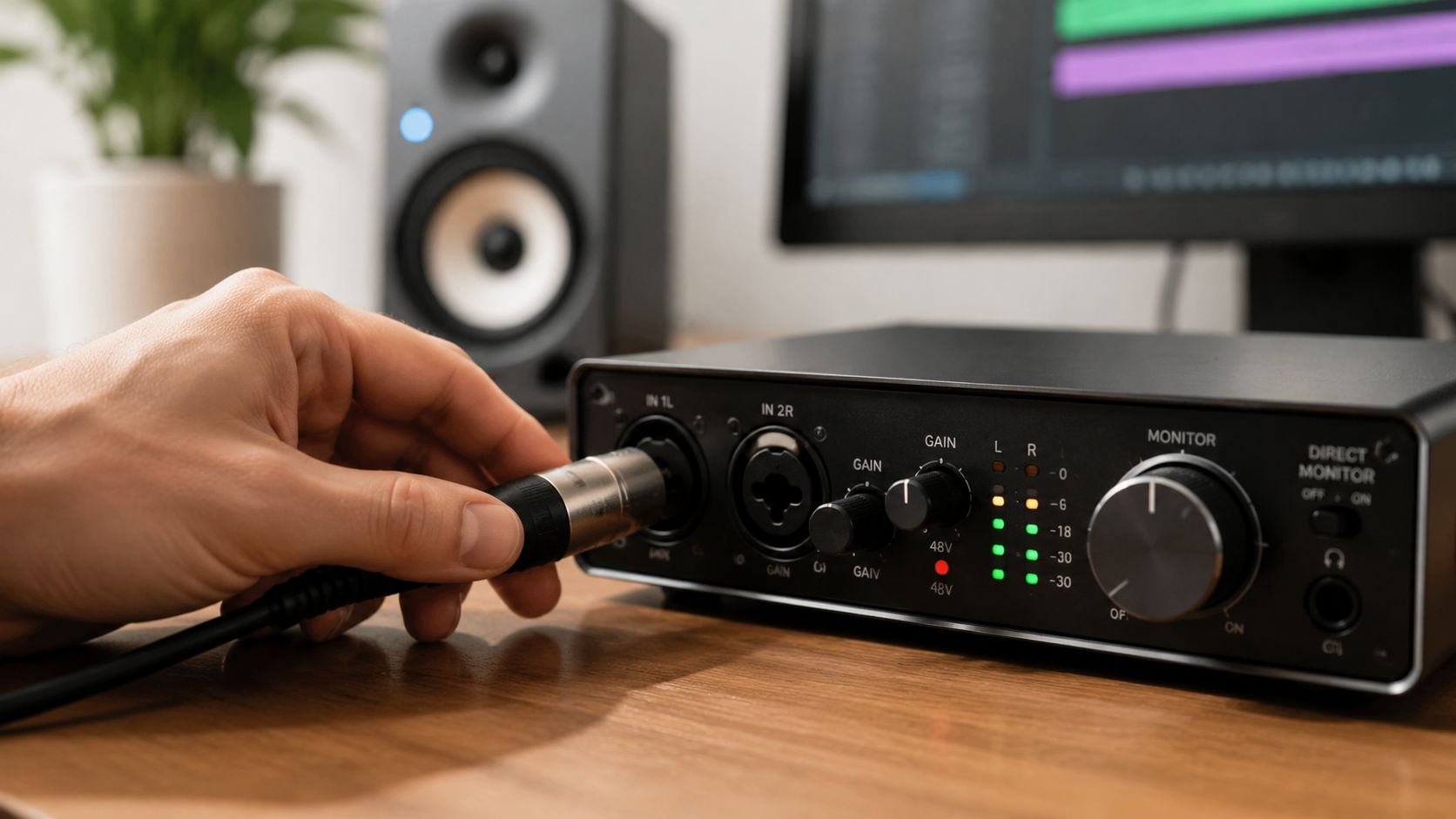
Set input gain so the source feels alive, with clear headroom left for the louder take you did not expect. A vocal should not look tiny on the meter. A bass should not hit the preamp like a brick every note either. The sweet spot is boring on paper and correct in practice.
This is one reason the usual starter interfaces stick around. They are forgiving. They let you learn gain staging without turning every mistake into a brittle, ugly recording.
Monitoring Should Help the Performance
If the cue mix feels late, the performance gets stiff. If the headphone mix is harsh, singers back off. If the backing track is too loud, pitch gets weird and nobody notices until playback.
Use software monitoring only when your session can support it. If the computer starts choking, stop pretending this is a benchmark test. Switch to direct monitoring, mute the junk you do not need, and record the part.
Here's a useful walkthrough if you're setting up your first tracking chain:
Cables and Outputs Matter More Than Forum People Admit
Balanced outs to powered monitors. Sensible cable runs. Power supplies kept away from audio lines. That solves a shocking amount of the "my interface sounds bad" drama before it starts.
People love to shop for converters and ignore the fact that their desktop is a nest of adapters, USB power junk, and half-broken cables. Real rooms expose that fast. Spec sheets do not.
I've got more practical cleanup advice in these audio accessories tips that fix small problems before they become permanent habits.
- Set headphone level on purpose: A bad cue mix causes weak takes, strained takes, and fake mic troubleshooting.
- Choose the right input mode: Instrument, line, and mic inputs do not feel the same, and the wrong choice can flatten a guitar or bass before you even open a plugin.
- Play back the first take immediately: Check hum, tone, clipping, and headphone balance before the main session begins.
A good first day is simple. Healthy level in. Clear monitoring back. No fake problems created by setup mistakes.
The Part Where I Tell You to Stop Reading
If you've made it this far, you already care more than the average buyer. Good. That means you're exactly the kind of person who can get stuck comparing tiny differences for three nights instead of recording one decent song tonight.
So here's the blunt answer.
If you want the safest all-rounder, buy the market standard. If you want the fastest feel, buy the MOTU. If you want the one with the strongest overdub workflow and a little more studio posture, buy the SSL. If you want a sleeper 2-input fidelity pick, hunt for the Forte. If you need more channels, stop pretending a tiny desktop box will somehow become a multi-source rig through optimism alone.
That's the SEO part. There. Said it out loud.
Better advice is smaller and more useful. Pick one. Learn its monitoring path, gain behavior, and routing without thinking. Learn how your voice hits it. Learn where your bass sits. Learn how hard you can push your mic before the front end gets sour. One interface you know thoroughly beats five you researched shallowly.
That's how records get made.
Author: Marque Hersh
Publisher: Supermarket Sound
Profile: Marque Hersh on Steam
Prepared with the Outrank tool

