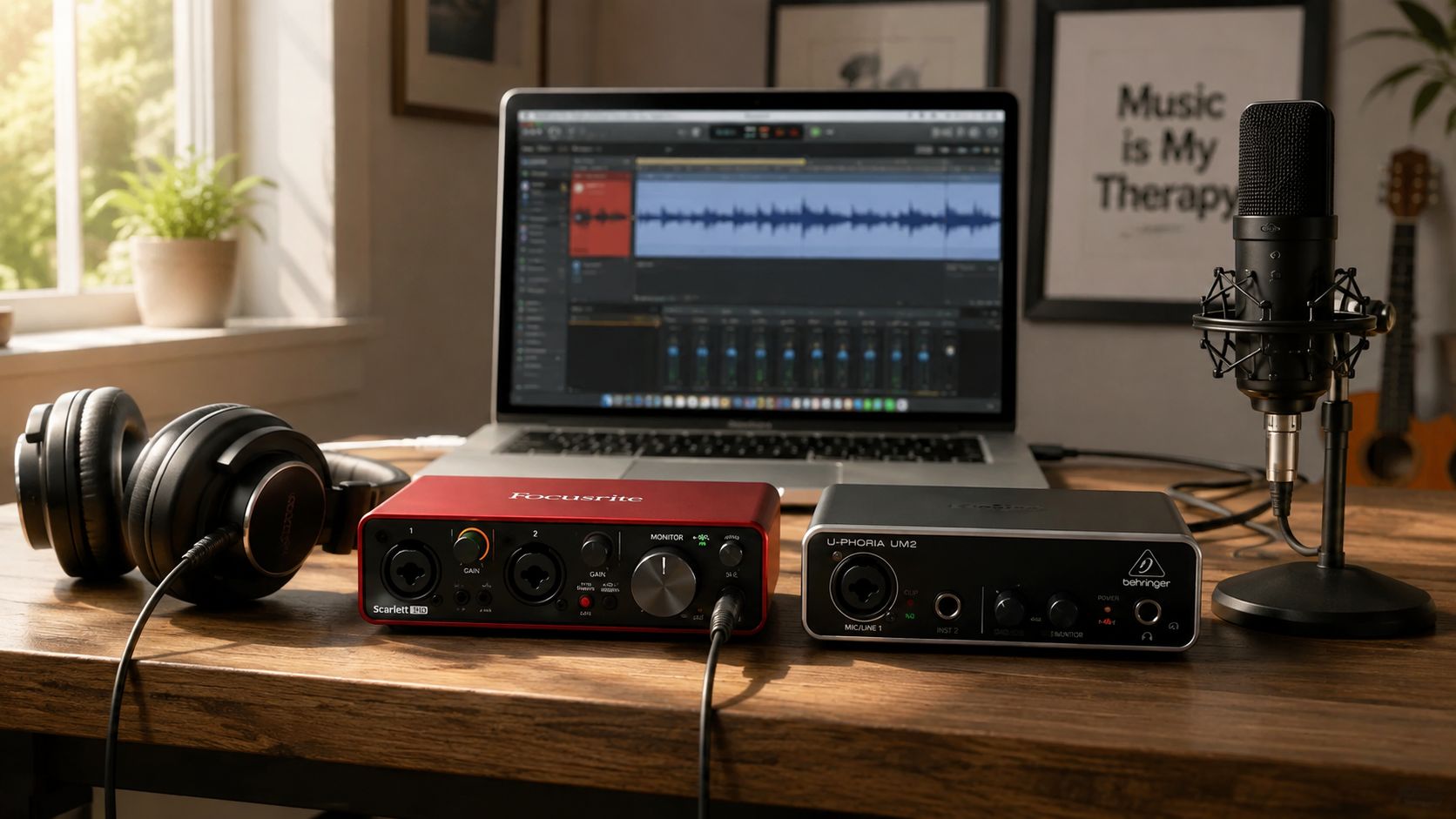
The loudest first interface is usually the wrong one. Beginners don't need a studio shrine with a dozen knobs, they need a small, stable box that fits the exact recording they plan to make, because the first real milestone is “enough channels to make one clean recording without fighting the hardware,” not “most inputs on the shelf” HomeRecordingPro's buying guide says the same thing in plain English. If you're buying today, the question isn't which unit looks most serious on a comparison page, it's which one won't starve the signal or turn your laptop into a glitch museum.
That's the whole game. For most beginners, one or two simultaneous inputs is the load-bearing number, and the rest is downstream baggage you probably don't need yet HomeRecordingPro.
Table of Contents
- The First Interface Should Not Be the Loudest One
- The Four Specs That Actually Matter on Day One
- The Canon Of Beginner Interfaces Right Now
- Which One Fits The Way You Actually Record
- Driver Stability And Latency, The Hidden Specs
- Compatibility, MIDI, And The Devices You Actually Plug Into
- The Three Picks I Would Actually Buy Today
- Questions Beginners Actually Ask at Checkout
The First Interface Should Not Be the Loudest One
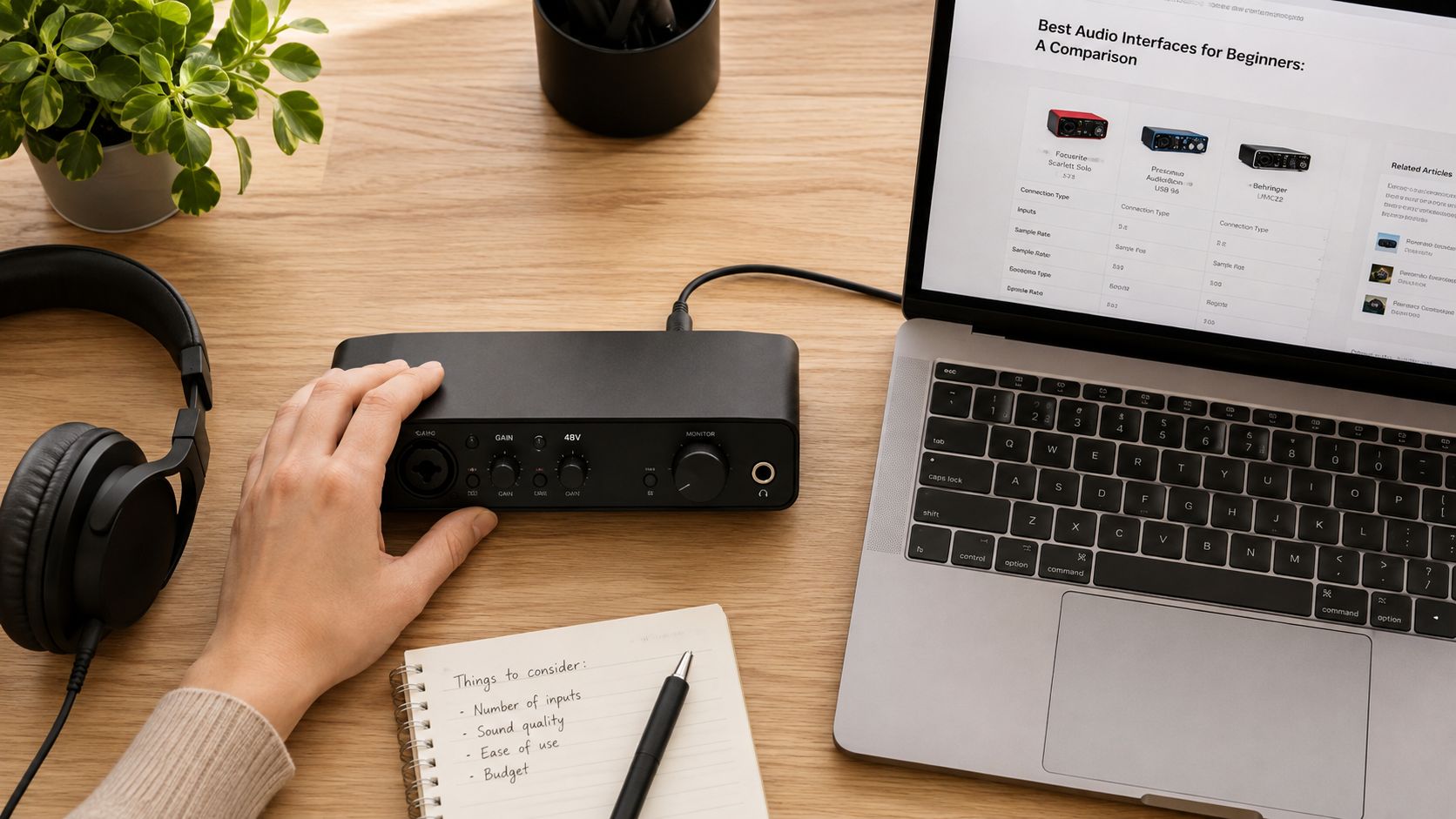
Beginners shop for an interface like they're buying a Christmas tree. More inputs, more lights, more fake status. That logic wastes money fast. The right first buy is the smallest stable box that fits the session you plan to run, and a good beginner guide should say that plainly, as in the buying guide from HomeRecordingPro.
Beginner Interface Categories at a Glance
| Scenario | Inputs Needed | Interface Class | Budget Tier |
|---|---|---|---|
| Solo vocal, voice-over, guitar DI | 1 | Compact single-input interface | Entry |
| Singer-songwriter, stereo acoustic, two-person podcast | 2 | Entry-level two-input interface | Entry to mid |
| Two-host podcast with simple routing | 2 | Two-input interface with solid monitoring | Entry to mid |
| Mobile, iPad, USB-C laptop, software instruments | 2 or fewer | Bus-powered USB-C interface | Entry to mid |
| Hardware synth or controller integration | 2 plus MIDI | Two-input interface with MIDI I/O | Mid |
The table clarifies practical requirements. One input covers a solo vocal, voice-over, or guitar DI setup. Two inputs cover a singer-songwriter rig, stereo acoustic miking, or a two-person podcast. MusicProductionWiki outlines comparable foundational specifications, listing 1 XLR input minimum, 2 XLR inputs ideal, and 24-bit as the baseline MusicProductionWiki.
Practical rule: buy for the session you will actually record this month, not the imaginary band you might assemble next year.
That rule matters because the oversized beginner purchase is mostly theatre. A giant multi-input box looks impressive, but if you only record one voice and a guitar, you are paying for channels, routing, and setup you will not use. It also creates more chances to get lost before you ever hit record.
For most beginners, a basic two-input interface from an established brand is the right call. That choice is boring in the best way. The market has gotten good enough that you do not need to buy above your real use case just to get something usable.
The Four Specs That Actually Matter on Day One
The beginner spec sheet is full of bait. Most of it doesn't help you record better, it just gives you something to compare while ignoring the stuff that makes the session feel easy. On day one, I care about 24-bit / 48 kHz, 48V phantom power, direct monitoring, and USB-C on current models. Everything else can wait.
Start With Bit Depth, Not Marketing Glitter
MusicProductionWiki treats 24-bit as the minimum, and that's the right floor for a first interface MusicProductionWiki. For a beginner, that means you're recording with enough headroom and detail to avoid fighting a fragile signal. A product page that starts with 32-bit float, ADAT expansion, or some other shiny add-on is usually trying to distract you from the simple question, “Will this box record my voice cleanly?”
A clean beginner page should also tell you the sample rate plainly. A 24-bit / 48 kHz baseline is explicitly recommended for first-time buyers, along with high dynamic range and low input noise you can hear that advice laid out clearly in this beginner interface guide. That's the floor. That's enough.
Match The Input To The Microphone
Microphone choice matters more than people admit. Condenser mics need 48V phantom power, while dynamic mics need a high-gain preamp BOYAMIC's first-interface guide. If you already own a condenser and the interface can't feed it, you bought the wrong box. If you use a dynamic vocal mic and the preamp is weak, you'll end up cranking gain and dragging up noise with it.
Direct Monitoring Saves Your Sanity
Direct monitoring is the feature that keeps your voice from arriving late in your headphones. That delay is what makes beginners stop trusting themselves while they sing or play. Turn it on, hear yourself immediately, and the session feels like music instead of tech support.
USB-C Is The Current Default
Current beginner models have moved to USB-C as the normal connection, and that matters because the old “cheap box with a cable problem” era is mostly over MusicProductionWiki. I still care less about the connector itself than about whether the driver path is stable, but USB-C gives you a cleaner starting point on modern laptops and mobile rigs.
The short version is simple. Ignore the spec fog. Buy for 24-bit, phantom power, direct monitoring, and a sane USB-C workflow. The rest is decoration.
The Canon Of Beginner Interfaces Right Now
The beginner field is small enough to make sense, which is good news. A handful of boxes keeps turning up because they solve real first-session problems without turning the desk into a science fair. I care about how they feel when you plug a mic in, how the monitoring path behaves, and whether the first take sounds calm or cramped.
Focusrite Scarlett Solo 4th Gen And 2i2 4th Gen
The Scarlett Solo 4th Gen is the clean answer if you only need one serious mic chain and want a simple first purchase. It is the box I'd put in front of a solo vocalist or a pod voice setup that just needs to work. The Scarlett 2i2 4th Gen opens the door wider, because two inputs let you record a vocal and instrument together, or run a two-mic session, without the unit feeling crowded. The sound stays clean, the layout makes sense, and the whole thing behaves like it was built by people who have watched beginners reach for the wrong knob in the middle of a take.
Presonus Studio 24c
This one is the sleeper, and I mean that in a good way. In a use-case-driven buying guide for recording interfaces, the Presonus Studio 24c stands out because it gives you a serious work path without making you pay for brand heat. It feels quick under the fingers, the monitoring path stays orderly, and it suits beginners who care more about getting through a session cleanly than about chasing shiny extras. In MusicRadar's 2026 roundup, it also shows the kind of latency and feature balance that matters when you are trying to play and hear yourself at the same time.
Audient iD4 MkII And Behringer U-Phoria UMC22
The Audient iD4 MkII is the polished single-user box. It is simple on the surface and solid underneath, the kind of interface that gets out of the way once you start tracking. In the same roundup, its latency figure sits in the comfortable range for most beginner players, which is exactly why it feels easy to live with when you are learning how to sing, play, and listen at once. The Behringer U-Phoria UMC22 is the bare-minimum entry ticket. It works, but it feels basic, and the higher latency figure in that roundup makes it the one I'd only grab if cost is the only thing deciding the purchase.
MOTU M2 And Universal Audio Volt 276
The MOTU M2 earns its place because it keeps coming up in serious conversations about clean conversion and sensible day-to-day use. It is the kind of interface that makes a first recording chain feel less like a compromise and more like a proper tool. The Universal Audio Volt 276 is the personality pick, the box people choose when they want a little front-end character and do not mind paying attention to the tone on the way in. Neither one is a bad beginner buy, but both make the most sense once the buyer knows what kind of workflow they want to live with.
That is the fundamental distinction. The beginner interfaces worth caring about are not just spec piles, they are different answers to different kinds of first sessions, and the boxes that stay in the conversation are the ones that feel stable when you track through them. The broad picture, including the latency behavior that matters more than a shiny feature list, lines up with what MusicRadar's 2026 roundup keeps highlighting.
The best beginner interface is the one that disappears when you start recording. If you keep thinking about the box, the box is already losing.
Which One Fits The Way You Actually Record
A model isn't “best” in a vacuum. It's best when it matches the kind of session you'll run through it. I'm separating the beginner buyer into four real groups, because those are the people who keep showing up at checkout with very different needs.
Solo Voice And Pod Voice
If you're recording one voice at a time, the Scarlett Solo 4th Gen is the cleanest answer. One mic preamp, one job, no wasted panel space. That's not a compromise, that's clarity. If you outgrow it, move to a two-input box only when you have a second source to record.
Singer-Songwriter And Two-Source Recording
If you want a mic and guitar at the same time, or a stereo acoustic setup, the Scarlett 2i2 4th Gen or Presonus Studio 24c make the most sense. The 2i2 is the safer all-rounder, and the 24c is the sharper value move if you care more about workflow and latency than about brand recognition. If you want a more guitar-forward or hardware-heavy path later, that's when you move up.
Two-Host Podcasting
Two people, two mics, simple headphone monitoring. That's a two-input interface job, not a giant console job. I'd rather hand that buyer a stable two-input unit with sane gain staging than a machine full of features they won't touch. If you need a more podcast-shaped workflow later, you can upgrade once the show proves it needs more.
Mobile, USB-C, And iPad Users
If your “studio” is a backpack and a desk that changes every week, stay small. The best fit is a USB-C interface that behaves well on a laptop and doesn't get weird when the room changes. For a mobile-first buyer, I'd rather see a compact box that disappears into the bag than a desktop heavyweight that only feels smart at home.
For the broader recording picture, I keep a separate note on what to consider when buying an interface for recording, because the first purchase should match the room, not the fantasy.
The next upgrade should always answer a real limitation. Don't buy for the future you invented in your head. Buy for the session that keeps happening now.
Driver Stability And Latency, The Hidden Specs
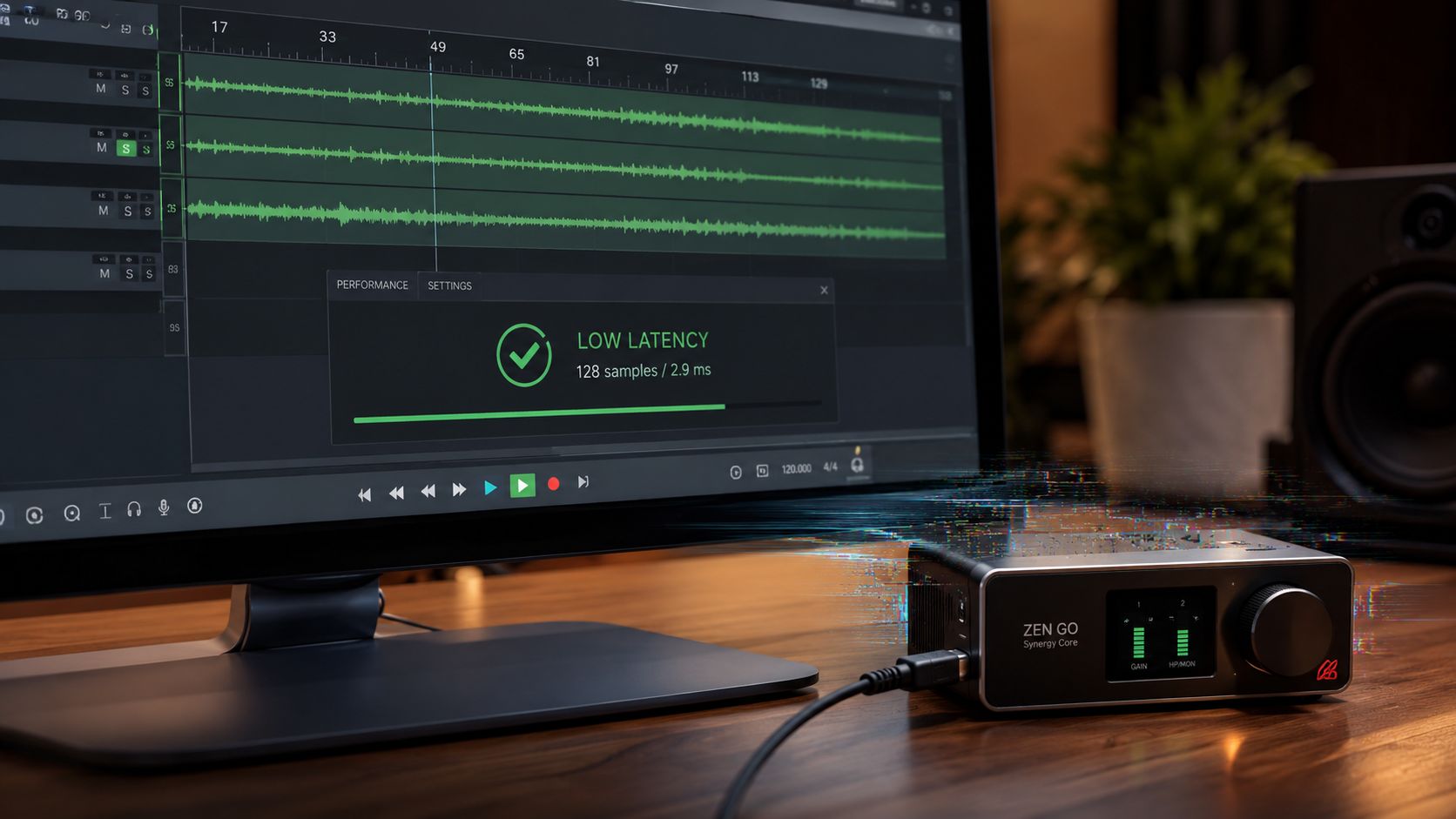
The thing that sends beginners to the drawer of shame isn't usually converter quality. It's playback that starts crackling when the buffer gets low, or a session that feels detached because the round-trip delay is too obvious. That's why I care about driver stability before I care about marketing claims. A box can sound clean and still be miserable to use.
The Latency Number That Matters
For most players, the point where input starts to feel disconnected lives around 5 to 6 ms or under. That's the zone where vocals and guitar parts stop feeling like you're chasing the sound instead of performing with it. The exact threshold moves a little by player and setup, but that's the practical line I use in real rooms.
MusicRadar's benchmark table gives you a useful ranking here. The Presonus Studio 24c comes in at 5.442 ms, the Scarlett 2i2 4th Gen at 5.78, the Audient iD4 MkII at 6.213, and the Behringer U-Phoria UMC22 at 10.363 MusicRadar. On pure usability, that puts the 24c in an excellent spot for beginners who want their first interface to feel immediate.
What Bad Stability Feels Like
Bad drivers don't always crash. Sometimes they just make you babysit the session. You hit play, the audio coughs, the interface drops into weird behavior, and you stop recording to fix a problem that shouldn't exist. That's the hidden tax beginner guides barely explain, even though it's the thing that decides whether the interface becomes part of your routine or part of your regret.
Practical rule: if a box forces you to think about the buffer before you think about the performance, it's already too fussy for a first purchase.
I also pay attention to how the interface behaves when the session gets messy. Software instruments, vocals, monitoring, browser tabs, all of it. The beginner who records one guitar at a time can tolerate more slop than the one building parts inside a DAW. That's why the fastest-feeling box often ends up being the best buy, even when the spec sheet doesn't look glamorous.
If your goal is streaming, there's a separate angle worth reading at this streaming-focused interface guide, because real-time monitoring changes the priorities fast. The hidden spec is never hidden for long.
Compatibility, MIDI, And The Devices You Actually Plug Into
A first interface has to work with the device on your desk, not the device in some brochure. That means laptop compatibility, mobile behavior, and whether you need MIDI for a controller or hardware synth. If the interface ignores your actual setup, it's the wrong interface, even if the preamps are fine.
USB-C Isn't The Whole Story
USB-C is now the common shape, but shape isn't the same as behavior. Some boxes are easy on modern laptops and some are annoying enough to make you hate the afternoon. On iPad and mobile rigs, class compliance and bus power matter more than people think, because a lightweight setup that needs a second round of adapters stops feeling portable fast.
MIDI Is For Real Work, Not Filler
If you're planning to use a hardware synth, keyboard controller, or drum machine, MIDI I/O is not a luxury. It's the difference between a tidy desk and a pile of workarounds. If you don't own hardware yet, skip it. If you know you'll need it, don't buy a box that leaves it out and pretend you'll “figure it out later.”
Windows, Mac, And Mobile Quirks
Windows users need to care more about driver behavior than logo polish. Mac users usually get smoother plug-and-go behavior, but that doesn't excuse sloppy monitoring. On phones and tablets, the safe move is a compact interface that behaves predictably and doesn't demand power gymnastics. I want a beginner to be able to move between a desk, a rehearsal room, and a travel bag without re-learning the cable situation every time.
That's the practical filter. Desktop-only, mobile-friendly, MIDI-capable, or just a clean two-input unit that disappears into the workflow. Buy the one that matches your actual device stack.
The Three Picks I Would Actually Buy Today
If I had to hand three beginners money and tell them to stop researching, I'd keep it simple.
Best Overall Beginner Interface, Focusrite Scarlett 2i2 4th Gen. It gives the widest path, the layout makes sense, and it won't feel obsolete the moment you start recording more than one thing at a time. The main regret case is obvious, if you only ever need one input, you'll have bought a little more than necessary. If you want the fuller buyer's map, I'd pair it with my best interface under $500 guide.
Best on a Tight Budget, Presonus Studio 24c. If MIDI matters, this is the smart budget call, and the 5.442 ms latency number is the kind of detail that tells me the box respects the player MusicRadar. The regret case is that you may not care about MIDI at all, in which case you've paid for a feature you'll never touch.
Best for Mobile and USB-C, MOTU M2 or Universal Audio Volt 276. Pick the M2 if you want a straightforward mobile workhorse, pick the Volt 276 if you want a little character in the chain and a more vibe-forward front end. The regret case is simple, the wrong one for your actual device stack will feel awkward fast.
Buy the box that fits your real room, then stop shopping.
Questions Beginners Actually Ask at Checkout
Do you need an interface at all, or can you just use a USB mic? If you want to record with a proper XLR mic, monitor yourself cleanly, or keep your setup flexible, the interface is the better buy. USB mics are simpler, but they lock you into one lane.
What else do you need to start? Usually an XLR cable, a microphone, headphones, and a DAW. If you already own the mic, the rest is the practical starter stack.
Should you wait and save for a more expensive box? Not unless your current plan already needs more inputs, MIDI, or mobile flexibility. If the first interface matches your actual session, buy it now and start making records. That's how this thing pays back.
If you want the no-fluff next step, keep this page open and match your mic, computer, and use case to the picks above, then grab your interface from Supermarket Sound and get the first clean recording done this week.

