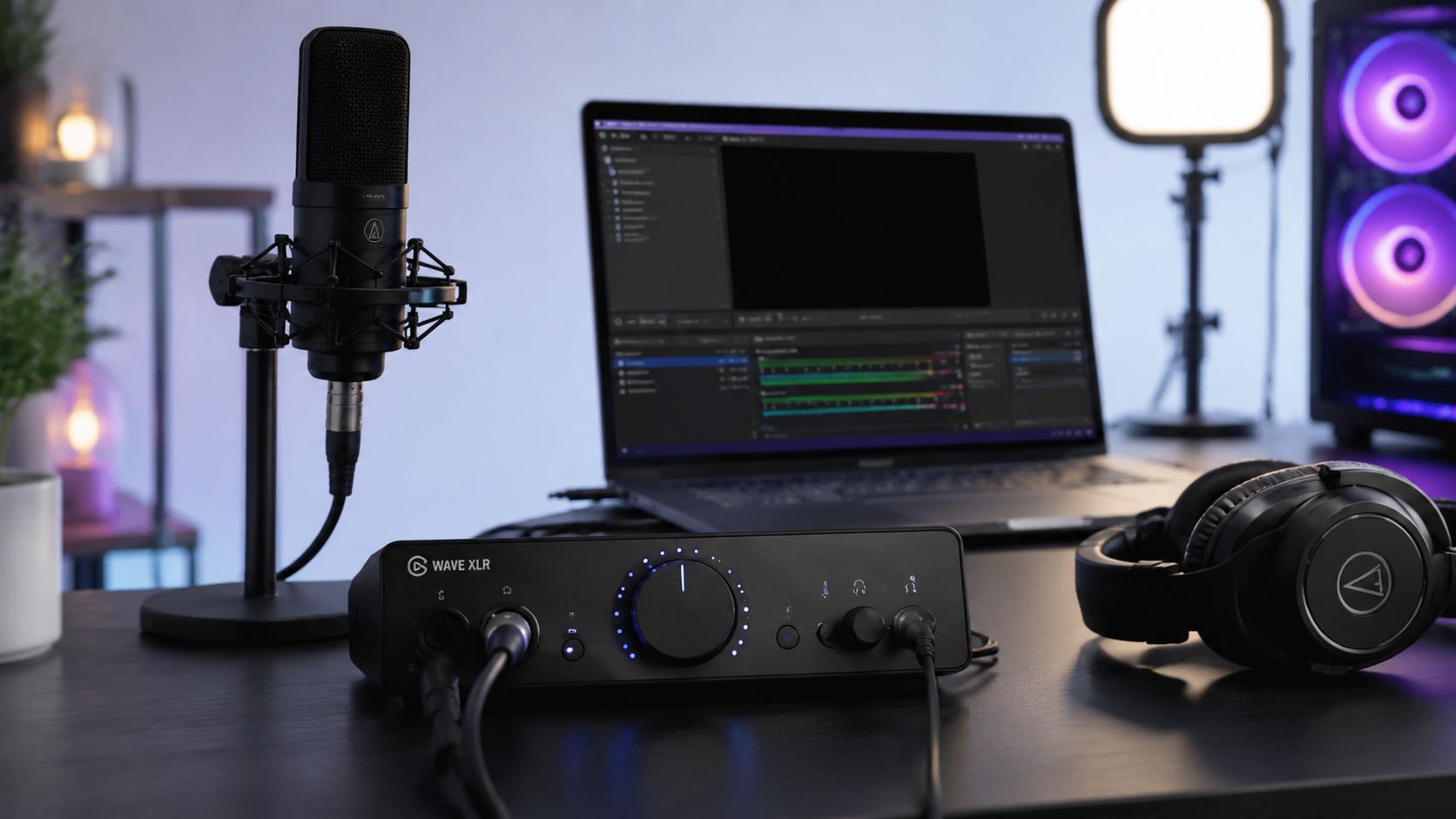
Everyone tells streamers to buy a better audio interface first. That advice is lazy. If your mic is weak, your room is boxy, or your gain staging is sloppy, a fancier interface just gives you a cleaner version of a bad chain. The key question isn't which box has the nicest logo, it's which one stops being the bottleneck without becoming the next problem.
I've spent enough time helping streamer friends to know the usual failure pattern. They chase shiny specs, then wonder why the stream still sounds thin, noisy, or unstable once OBS, Discord, and a game are all open. A best audio interface for streaming is not a magic wand. It's the load-bearing box that keeps the floor from collapsing when everything else is already in motion.
| What You Actually Need | What It Means in Practice | What Matters Most |
|---|---|---|
| One voice mic plus desktop audio | Simple stream routing, little setup drama | XLR input, phantom power, loopback |
| One mic and steady levels | Enough clean gain for dynamic mics | At least 60 dB of preamp gain |
| Live monitoring without delay | Hearing yourself without an echo fight | Zero-latency hardware monitoring |
| Busy streaming setups | OBS, chat, game audio, and routing under load | Driver stability and software control |
Table of Contents
- Your New Interface Might Not Fix Your Stream's Audio
- The Only Specs That Actually Matter for Streaming
- The Unspoken Killer Driver Stability Under Load
- The Minimalist's Choice for Flawless Voice Audio
- The Power User's Hub for Complex Setups
- A Final Checklist Before You Buy
Your New Interface Might Not Fix Your Stream's Audio
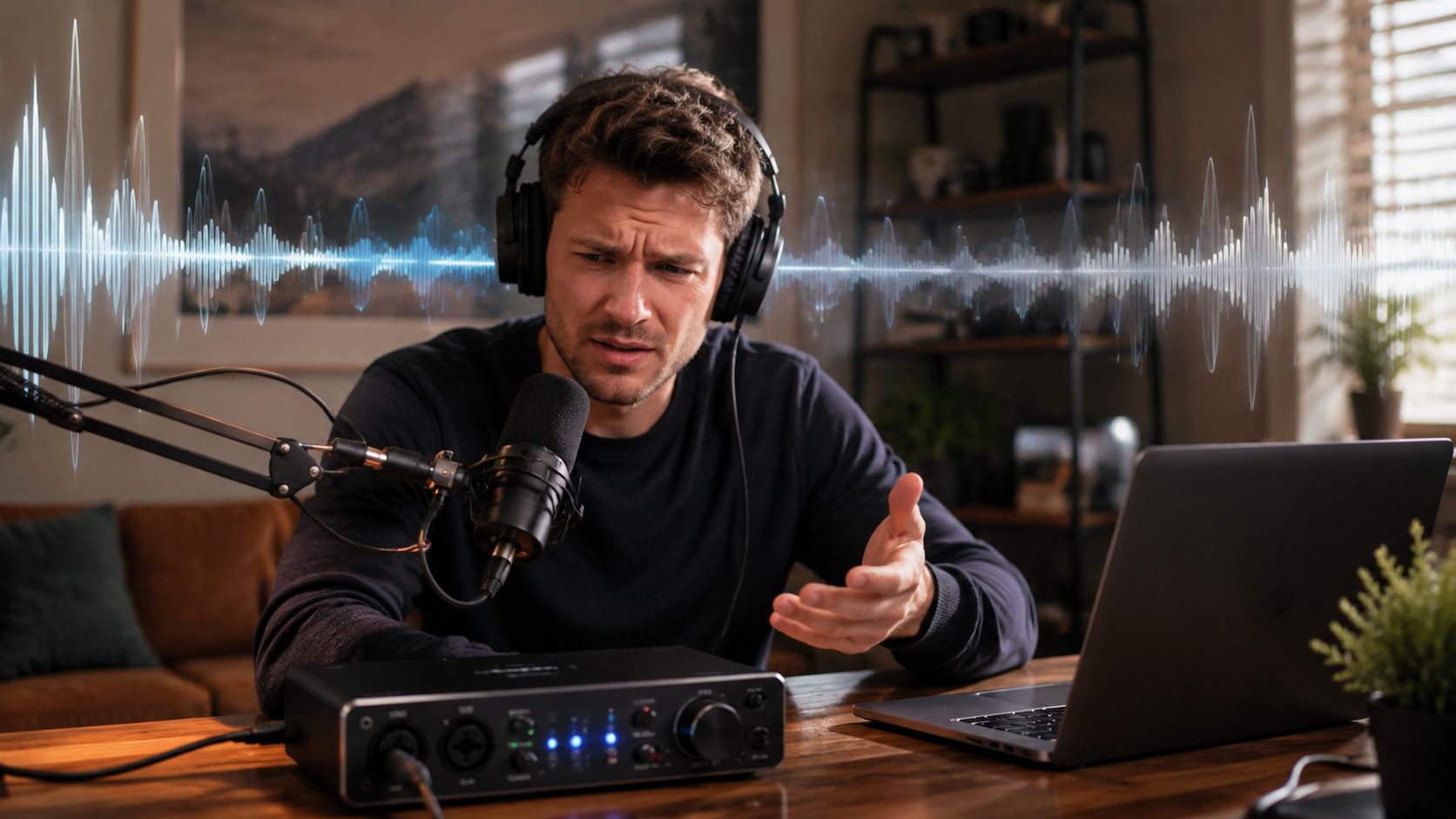
The first lie in streaming audio is that the interface is always the upgrade that matters. It isn't. If your voice sounds papery, the room rings like a bathroom, or your mic technique is inconsistent, the interface is just a more expensive mirror.
Fix the load-bearing problem first
Many buyers treat the interface as the main upgrade path, when for a large share of streamers the bigger audible gain comes from the mic, room, or monitoring chain. The nuanced question is not “which interface is best,” but “when does an interface stop being the bottleneck?” In practice, if the microphone and room are already the weak links, moving from one competent interface to another often changes convenience more than sound. Supermarket Sound internal research notes the same pattern, and I've heard it enough times to stop pretending otherwise.
That's the part most buying guides skip because it's less profitable than a neat ranking. A soft, off-axis voice into a noisy room doesn't get rescued by prettier conversion. It gets exposed. Downstream inherits whatever you feed it.
Practical rule: buy the interface after you know the mic and room aren't the real mess.
Clean signal in, clean signal out
I'd rather hear a cheap interface fed by a decent mic in a decent space than a premium interface trying to polish garbage. Stream audio is brutally unforgiving in that way. You don't need boutique romance, you need the floor to be stable.
If your stream already has a solid mic, sensible placement, and a room that isn't fighting you, then the interface starts to matter in the ways people feel. Levels behave. Monitoring feels immediate. Routing stops being a circus. That's where a good interface earns its keep.
The mistake is assuming sound quality lives only in the box. It doesn't. The box mainly decides whether the rest of the chain can stay honest.
The Only Specs That Actually Matter for Streaming
Forget the glossy marketing copy. For streaming, an interface has a job list, not a personality. It needs to feed a mic cleanly, keep your stream audio organized, and let you monitor without delay turning your own voice into a distraction.
Preamp Gain Is Not Optional
For streaming, gain headroom matters more than logo weight. A useful practical threshold is at least 60 dB of preamp gain, because that keeps dynamic microphones usable without forcing you to slam software gain and drag the noise floor upward. That threshold is the right buying filter.
What this means in real life is simple. If the interface starves the signal, OBS doesn't fix it. If you have to crank the rest of the chain just to sound present, you've already lost some of the floor to hiss and fuzz.
Loopback Keeps Stream Audio Sane
Loopback isn't a cute bonus. It's the thing that stops desktop audio from turning into a routing headache. You want game sound, voice chat, and browser audio to land in the stream cleanly, not bounce around through a pile of virtual cables and half-matched workarounds.
A modern streaming interface should make virtual routing feel boring. Boring is good. Boring means you can focus on the stream instead of wondering which app is stealing your audio. If the routing software feels like a patch bay built by people who hate you, keep looking.
Monitoring Should Feel Instant
The third absolute necessity is zero-latency hardware monitoring. If you hear yourself with a noticeable delay, you'll talk like you're standing next to an echo wall. That gets old fast, and it makes you overcorrect your delivery.
A good monitoring path disappears. You notice it only when it's missing.
That's the whole checklist, really. Clean gain. Loopback. Instant monitoring. Anything else is secondary until those three are solved.
The Unspoken Killer Driver Stability Under Load
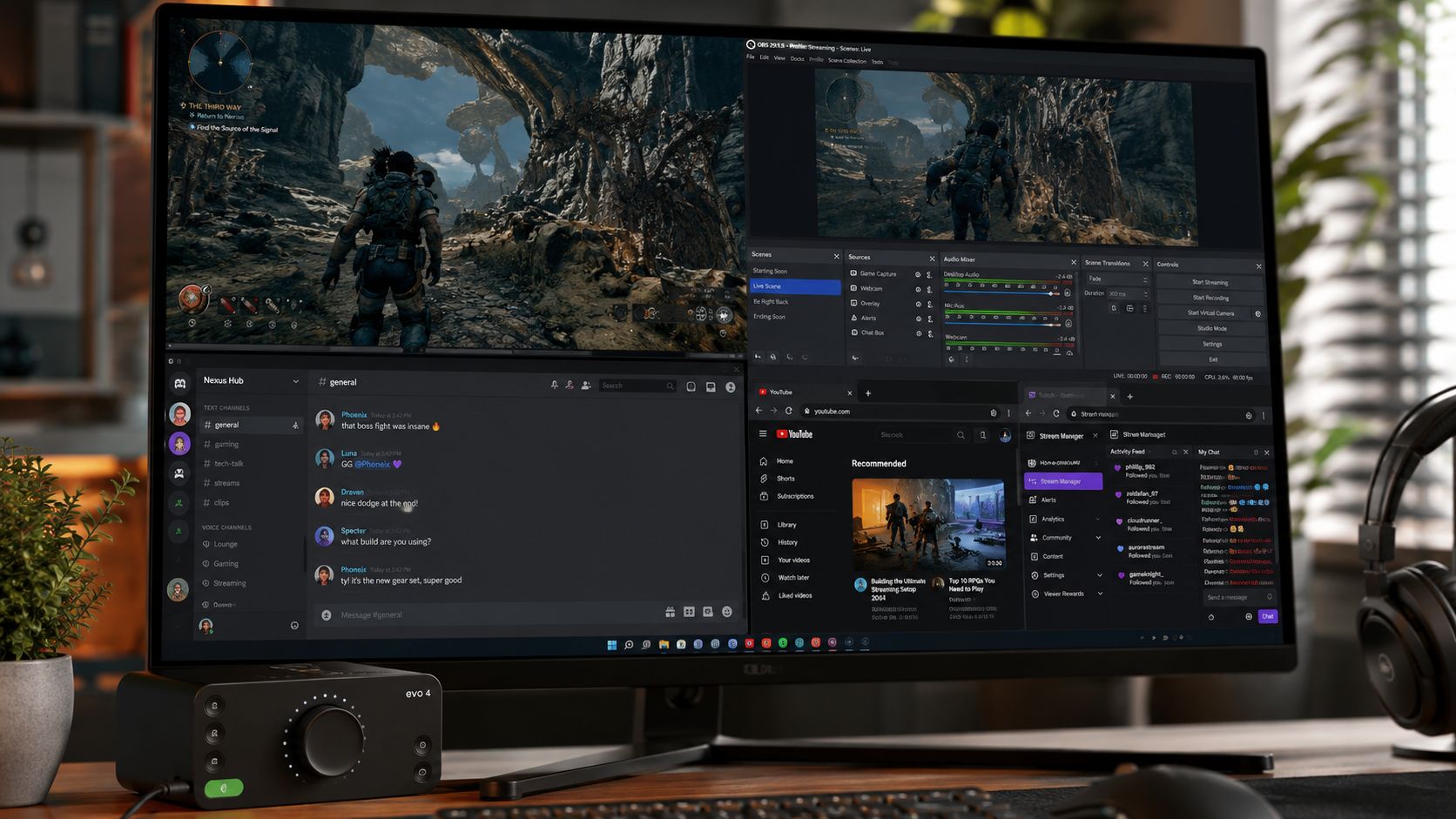
Most interface reviews are useless for streaming because they test gear in a polite little vacuum. Your setup does not live there. Your interface has to survive OBS, Discord, a game, browser tabs, chat, and monitoring all at once, and that is where weak drivers start wheezing.
That is the core problem. Once the machine is busy, driver stability, USB bus behavior, and software control matter more than tiny spec-sheet differences. That's the actual bottleneck. The question is not whether the box sounds decent in isolation. It is whether it stays calm in a messy shared system.
Stability beats tiny spec advantages
A stream does not fail gracefully. It crackles. It drops. It forces a restart in front of people. That is why I care more about whether an interface behaves under load than whether its brochure sounds prettier.
The nasty part is that marginal spec differences can look important on paper and disappear in practice. Once the whole rig is busy, the interface that stays solid wins. The one that avoids surprise behavior is the one that matters.
Software control has to stay readable
Bad control software creates a second layer of friction you do not need. If I have to fight the mixer app just to route a mic and desktop audio, the interface is already wasting my time. The best ones stay out of the way.
For a practical benchmark on what a sane streaming setup should look like, I would point you to my recording guide. The point is not to turn streaming into studio fetishism. It is to understand that software and hardware have to behave like one system, not two enemies sharing a USB cable.
When an interface gets flaky, your downstream chain inherits the mess. That is the whole story.
The Minimalist's Choice for Flawless Voice Audio
For most streamers, the smartest move is still a compact 2-in/2-out USB interface. That category is mainstream for a reason. It stays simple, it doesn't force your hand, and it handles one mic plus monitoring without dragging you into studio-bay nonsense.
By 2026, the mainstream recommendation for streamers had converged on compact 2-in/2-out USB interfaces, and one expert guide named the Focusrite Scarlett 2i2 4th Gen the best overall live-streaming interface. The 2×2 layout remains the default because it handles a mic, a line source, and monitoring without added complexity. That's not sexy. It's just correct.
Why I keep pointing people to the 2i2
The Scarlett 2i2 makes sense because it solves the common use case without making the user babysit it. Its workflow is straightforward, its feature set isn't cluttered, and it doesn't pretend to be a rack unit disguised as a desktop box. For streaming, that restraint is a virtue.
I also like the way a clean, present interface character helps a voice sit in a mix without too much EQ fuss. The Air style lift can add a little top-end polish to a dynamic mic if you want that brighter edge. Not magic, just useful tone shaping.
Don't confuse simplicity with limitation
The downside is obvious. If you need multiple mics, hardware inserts, or weird routing, a 2×2 box can run out of road fast. That's not a flaw. That's the category doing exactly what it was built to do.
Choose this path if your stream is mostly one voice mic and desktop audio. Choose it because you want the least amount of nonsense between your mouth and OBS.
Before you overcomplicate the desk, read the podcast-focused buying guide. Same hardware logic, different workflow pressure. Different mess, same physics.
This is the lane I generally recommend, and I don't apologize for that. Simple setups win when they're stable. Clean is enough.
The Power User's Hub for Complex Setups
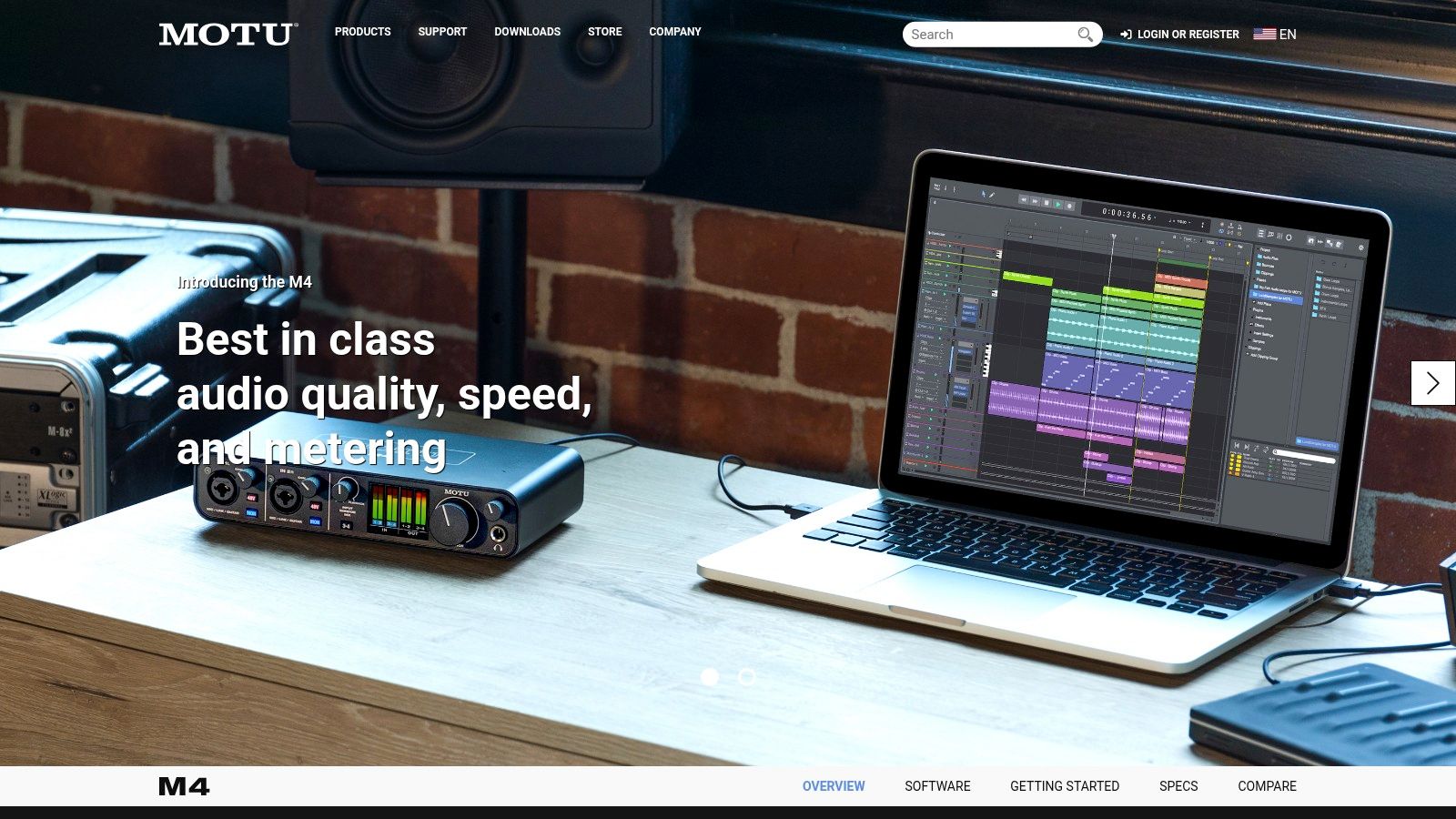
Once the setup stops being one mic and one stream, the interface has to do real routing work. That's where a more capable box earns its place. More inputs matter, sure, but the bigger win is that the software stops treating routing like a hostage situation.
A good advanced interface gives you room for a second source, a hardware chain, or a split path for monitoring and stream output. That's not luxury. That's control. And control is what keeps a messy rig from becoming a mess on camera.
More routing, less chaos
The useful jump here is not “more stuff,” it's more independent paths. If you need a dual-PC setup, a hardware processor, a synth, or a co-host mic, you need the interface to separate those signals cleanly. Otherwise every change you make spills into something else.
That's why devices in this class feel more like hubs than boxes. They let you build sub-mixes for headphones, stream output, and recording without forcing every source through the same pipe. When that works, the stream sounds more intentional. When it doesn't, it sounds like someone is tugging on cables mid-show.
The software has to earn its keep
My focus is on control panels, not just converters. A smart software mixer lets you keep each destination sane. Headphones can get one blend. The stream can get another. Recording can stay separate. That's real production value.
If you're thinking about a more ambitious setup, the right question isn't whether the interface has extra inputs. It's whether those inputs solve a routing problem you have today. If they don't, you're paying for shelf confidence.
My rule for advanced rigs: buy routing flexibility only when you can describe the routing headache in one sentence.
The streaming market keeps offering more feature-heavy compact interfaces with better software control and tighter USB-C designs, but the extras are only worth it when your workflow needs them. If your current chain is already simple and stable, don't pay for complexity you won't use. Spend where the bottleneck lives.
A Final Checklist Before You Buy
The right interface is the one that creates the fewest future excuses. Before you buy, realistically count inputs, carefully consider routing, and stop pretending a spec sheet is a personality test.
Match the box to the actual job
If you need one mic and desktop audio, a lean 2×2 interface is the sane answer. If you need more sources, the interface should only get bigger when the routing problem gets bigger. Anything else is gear accumulation disguised as planning.
Modern USB audio interfaces standardized around 48V phantom power for condenser microphones and loopback for routing system audio into a broadcast mix. A basic streaming setup usually needs only a single-input USB interface with XLR, phantom power, and loopback. That's the baseline I'd start from, not the fantasy version where every desk suddenly becomes a studio.
Check the gain, then check the reviews
If you're using a gain-hungry dynamic mic, verify the interface has at least 60 dB of gain. If it doesn't, you'll feel it every time you push the fader harder than you should. That's not a small inconvenience. That's the chain telling you it's already strained.
Then read user reports for the exact failure modes that matter, OBS behavior, driver issues, and whether the software stays usable when the system is busy. The brochure won't tell you that. Other streamers will.
For a practical ceiling on how much money to throw at the problem, the under-500 guide is the sensible place to set your guardrails. Past that point, you'd better know exactly what problem you're buying your way out of.
Buy the interface that keeps the stream calm. If the room, mic, or technique is still the weak link, fix those first. Then pick the box that disappears and lets the voice do its job. That's the one you keep.

