Most advice about the best audio interface for recording is backwards. People obsess over input counts, sample-rate badges, and software bundles, then wonder why tracking still feels annoying and their recordings still feel thin.
The interface isn't a feature box. It's the floor. Every mic, DI, and monitor path stands on it, and every bad decision you make here is something the rest of the session downstream inherits. So yes, this is an SEO-friendly guide because that's how people find useful things now. But I'm not giving you a spreadsheet. I'm giving you the version that matters when the singer is waiting, the buffer is acting up, and your ears are doing the actual work.
Early answer, so nobody has to scroll in suspense: if you want the simple recommendation, buy the clean, stable two-channel box if you mostly record one thing at a time. Buy the low-latency portable box if reliability is paramount. Buy the DSP-heavy desktop box if your workflow depends on tracking through modeled gear. And if you think a big USB interface solves live band recording by itself, stop before you waste money.
Your Interface Is the Most Boring, Important Purchase You'll Make
The common wisdom says more equals better. More inputs. More kHz. More bundle fluff. More blinking lights. That logic is great for store shelves and terrible for actual sessions.
The best audio interface for recording usually isn't the one with the longest feature list. It's the one that disappears while doing three load-bearing jobs properly: it captures a signal without ugliness, plays it back without flattening it, and doesn't make the performer fight delay. Not glamorous. Essential.
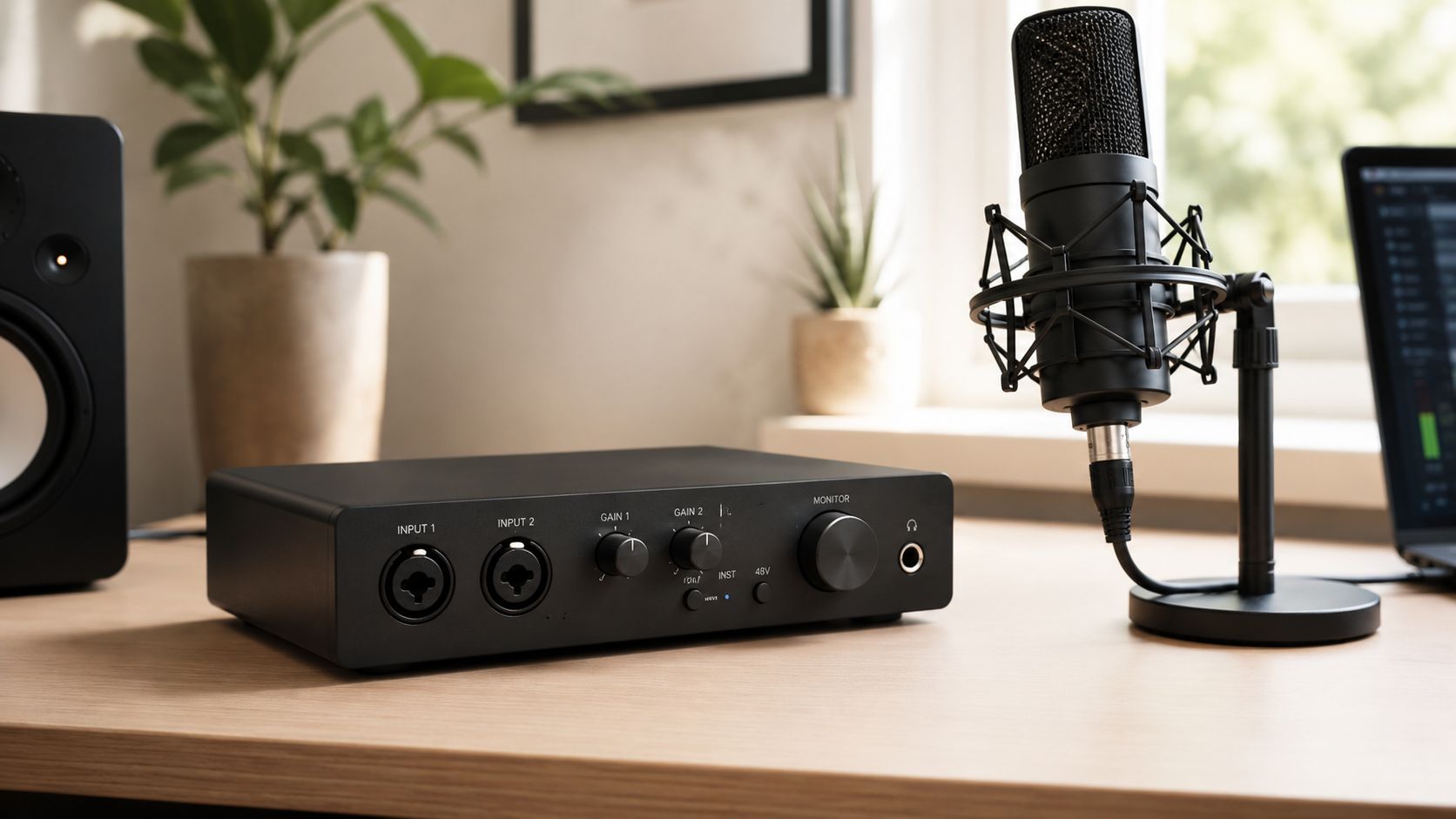
A lot of search results treat interfaces like refrigerators. Compare compartments, ignore the taste. I don't. To my ears, interfaces fall into a few broad personalities. Some are clean and dry, good in the way a sharp chef's knife is good. Some add a little forward push, a little density, a little console cosplay. Some are really workflow machines disguised as interfaces, and that's a valid category if the workflow is the point.
Here's the short version before we get into the weeds.
| Recording Need | What Matters Most | My Direct Take |
|---|---|---|
| Solo vocals, guitar, podcasting | Clean preamps, easy setup, stable drivers | A simple two-channel interface is the smart buy |
| Tracking through plugins in real time | Very low latency and onboard processing | DSP-based desktop systems earn their price |
| Mobile sessions and remote overdubs | Driver stability, portability, monitoring confidence | Reliability beats flashy extras |
| Recording full bands live | Expandability and connection protocol | Don't trust USB alone for high channel counts |
The interface is not where you buy excitement. It's where you buy fewer ruined takes.
That's why I care less about the spec sheet than the feeling of use. Does the vocal sit in your headphones naturally? Does the DI feel immediate under the fingers? Does the preamp stay composed when a singer leans in? Those are recording questions. The rest is brochure ink.
The Three Pillars That Actually Affect Your Sound
The stuff that matters is boring until it fails. Then it becomes the only thing in the room anybody can think about.
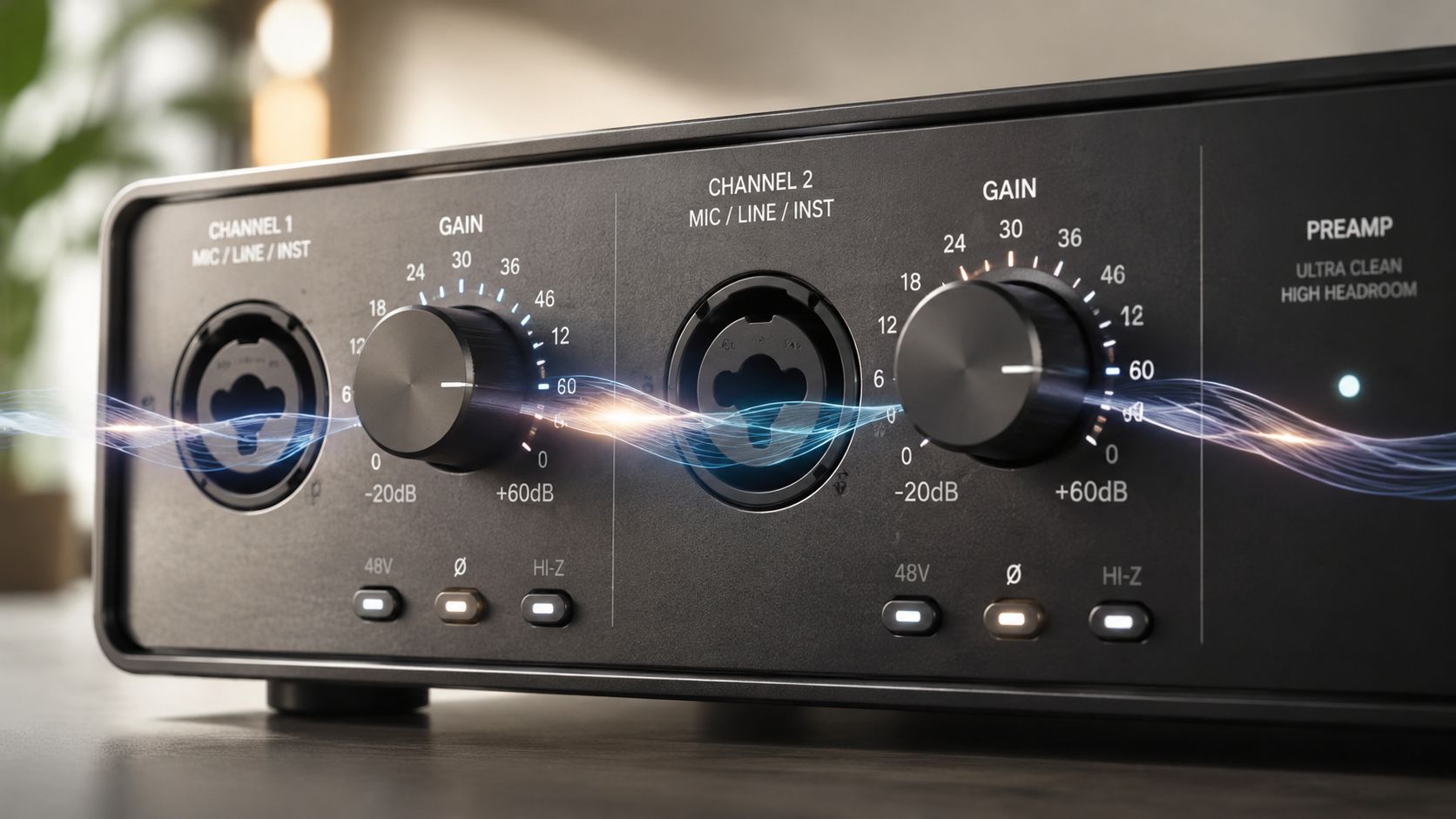
Preamps Decide How Honest the Front End Feels
A preamp isn't just a volume stage. It's the handshake between the microphone and your recording chain.
A clean preamp tends to give you a signal that feels open, plainspoken, and easy to shape later. That's why so many home recordists get along with that presentation. It doesn't romanticize a mediocre source, but it doesn't graffiti all over it either. A more colored preamp can add density, edge, or a slight push in the upper mids that makes things feel more finished on the way in.
That difference matters because the mic isn't working alone. The preamp either lets the microphone speak or starts editorializing. Neither is automatically right. But you should know which one you're buying.
Practical rule: If you don't already know you want color, buy clean and add personality later.
There's also the simple issue of noise. In the verified benchmarking I reviewed, Audient iD series and SSL preamps came out on top in noise floor tests, while other units in that comparison showed higher noise floors and less pure signal paths downstream, as noted in this preamp benchmarking discussion. That's not trivia. That's the difference between a vocal that feels intact and one that already needs repair.
For readers who want plainer language around this stuff, my no-bullshit audiophile glossary helps decode the jargon without pretending the jargon is the point.
Converters Shape Space More Than People Admit
Converter talk gets weird fast because people pretend it's either all measurable or all mystical. It's neither. To my ears, converters mostly change how edges, depth, and density are presented.
Some playback paths feel clinical. Tight outlines. Crisp placement. Strong separation. Others feel a touch smoother, less etched, a little more forgiving when a recording is bright or crowded. On the way in, that character can show up as a sense of grip, softness, or sheer plainness.
That doesn't mean converters are a license for fantasy. It means your interface isn't tonally invisible just because the copy says “transparent.” Some boxes feel matter-of-fact. Some feel subtly polished. Some flatten the image enough that you start making mix decisions to compensate. That's the danger.
Latency and Drivers Make or Break the Session
Specs don't sing. Performers do. And performers hate bad latency.
If you monitor your own voice and it comes back feeling detached, your timing changes. Your phrasing changes. Your confidence changes. This is why a mediocre interface with good drivers can be more useful than a fancy one with a flaky software stack.
One thing is clear in the verified data: the RME Babyface Pro FS delivers the lowest latency of any professional audio interface, with sub-2ms round-trip performance that matters for real-time vocal monitoring, outperforming other respected models in those latency benchmarks according to this Gearspace discussion on interface recommendations.
That kind of immediacy matters. It keeps the signal from feeling starved.
A quick watch if you want the broad practical frame before buying:
Here's the hierarchy I use in practice:
- First priority: Can I track without fighting delay?
- Second priority: Do the preamps behave in a way I trust?
- Third priority: Do the converters let me make monitoring decisions without second-guessing everything?
That's the load-bearing order. Not the marketing order.
The Contenders Clean, Colored, and All-In-One

Stop looking for a universal winner. Audio interfaces split into three useful camps, and each one asks you to make a different trade.
The Clean Camp Wins on Restraint
Clean interfaces are the right default for a lot of recordists. They do the job, stay out of the way, and let your mic choice, placement, and performance carry the session.
The popular entry-level boxes keep showing up in real rooms for a simple reason. They are easy to set up, usually quiet enough for serious work, and they do not add a fake sense of size that falls apart at mix time. That matters more than a dramatic marketing pitch about “studio-grade” anything.
To my ears, the clean sound is useful because it is honest. Vocals stay intelligible. Acoustic instruments keep their shape. DI tracks come in plain enough that you can push them later without fighting a baked-in tone you never asked for.
Clean does not mean flat or lifeless. It means the interface is not trying to finish the record for you.
If your microphone already has character, or your room is only decent instead of excellent, clean is the safer bet. You get fewer surprises and better mixing decisions.
The Colored Camp Makes Sense Only If You Need Help at the Front End
Some interfaces add a little density, weight, or harmonic grit before the signal ever hits a plugin. That can be useful. It can also trap you.
I only recommend a colored front end for recordists who already know what is missing from their chain. Thin vocal mics, stiff DI guitars, and sterile electronic sources can benefit from a box that adds some attitude on the way in. Bright condensers on an already edgy singer usually do not.
The mistake is obvious once you have mixed enough sessions. A sound that feels exciting in solo can get tiring fast in a full arrangement. Extra thickness on every source is not richness. It is congestion.
Choose color on purpose. Do not buy it because a demo made it sound bigger for thirty seconds.
The All-In-One Camp Sells Convenience First
The all-in-one interfaces are built for people who want one box to handle tracking, monitoring, routing, and processing in a single system. That is a workflow choice more than a tone choice.
That setup earns its keep if you track through compression, EQ, or amp-style processing while recording. Singers perform better when the headphone mix already feels finished. Guitar players usually play better when the part sounds like a record instead of a dry DI. In those cases, an all-in-one unit can speed up the session and cut down on computer strain.
There is a catch. Once an interface asks you to buy into its software, mixer, and plugin environment, you are choosing an ecosystem, not just a pair of preamps and converters. Some engineers love that. Others get tired of babysitting control software just to record a vocal.
My advice is simple. Buy clean if you want flexibility. Buy colored if you know exactly why your sources need it. Buy all-in-one if tracking workflow is your bottleneck and you will use the processing while recording.
Ignore the fake horse race. The right interface is the one that fits the way you work, stays stable under pressure, and does not turn a session into driver troubleshooting.
A Warning on Channel Count and USB Bottlenecks
Channel count is where a lot of interface advice falls apart.
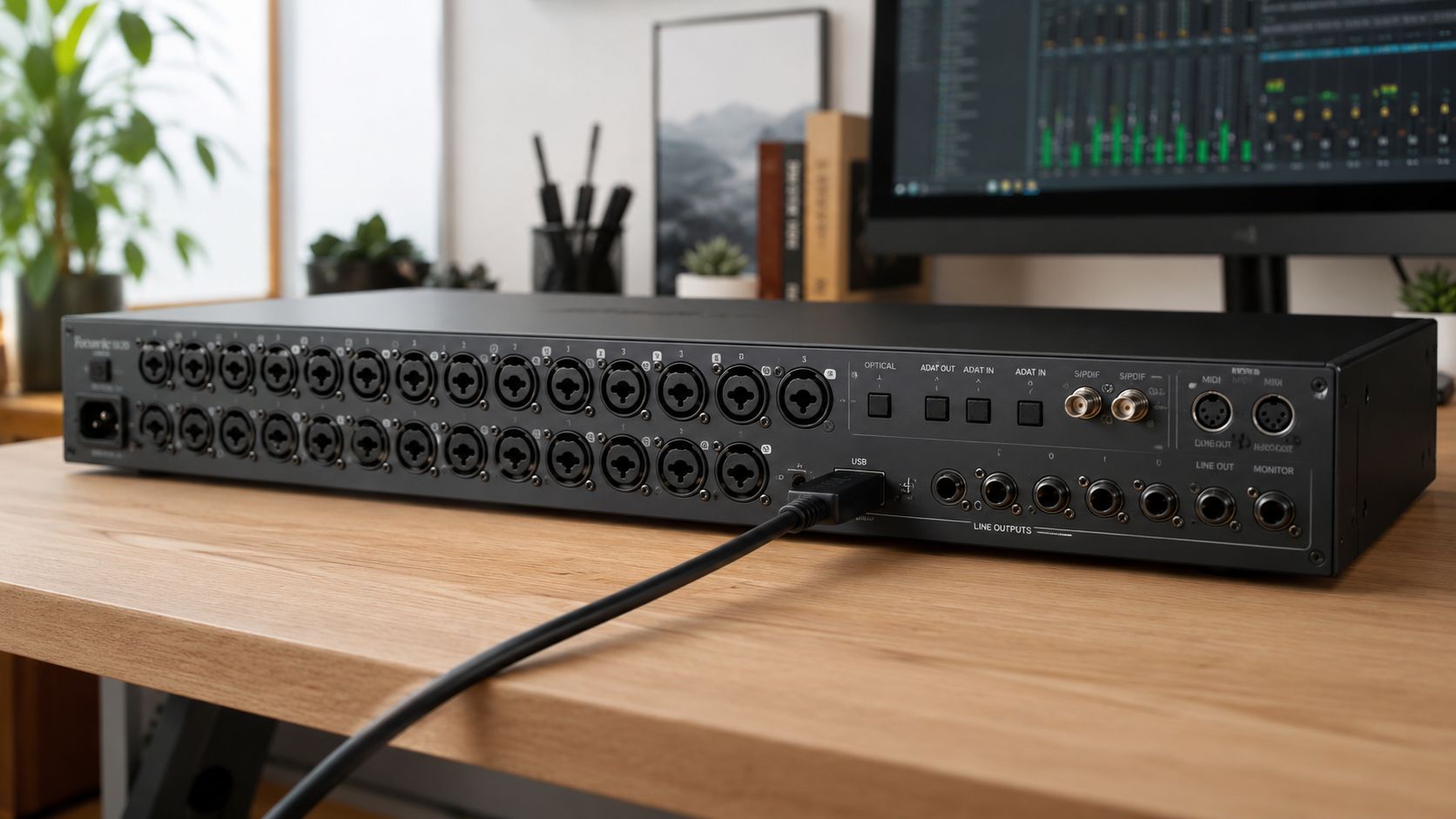
A box with eight, twelve, or sixteen inputs looks like a smart long-term buy. Then the first real band session shows up, the buffer has to stay low enough for headphone monitoring, the sample rate goes up, everyone wants a cue mix, and the session starts coughing. That is the moment where spec-sheet shopping stops being useful.
USB Is Fine Until the Session Gets Real
USB is not the villain. Bad expectations are.
For overdubs, editing, vocals, DI instruments, and small stereo setups, USB interfaces work perfectly well. The problem starts when buyers assume the same connection will stay equally comfortable once they move into full drum tracking or multi-player sessions. At that point, bandwidth is only part of the story. Driver efficiency, round-trip latency, cue-mix routing, and how the interface handles sustained input and output traffic matter more than the marketing copy.
The USB Audio 2.0 specification supports plenty of channels on paper. The USB Implementers Forum lays out the class standard itself at usb.org. On paper is not the same as stable in a real session. Actual performance depends on the driver, the computer, the buffer setting, and how hard you are pushing simultaneous record and monitor paths.
That is why I do not recommend buying a high-input-count USB interface just because you might someday track drums. If drum tracking is the plan, buy around that plan now. If you want sensible options in the lower price range, this guide to the best audio interface under $500 is a better starting point than chasing the biggest input number you can afford.
A two-input vocal session proves almost nothing.
A full tracking date does.
Buy for Sustained Load, Not Headline I/O
Here is the practical filter.
- One or two sources at a time: USB is usually the right call
- Regular overdub work with occasional stereo tracking: USB still makes sense if the drivers are solid
- Live drums or multiple musicians at once: prioritize proven driver stability and a clear expansion path
- Frequent high-channel-count sessions with low-latency monitoring: stop treating connection type as a minor detail
The critical mistake is assuming every input listed on the rear panel is equally usable under pressure. It is not. Some interfaces stay calm when the session gets dense. Others fall apart right when musicians need confidence in the headphones.
If you record one source at a time, keep it simple. If you plan to record a band, buy for the worst day in the room, not the quietest one.
The Right Interface for Your Specific Recording Job
You don't need a grand unified theory. You need a pick that matches your actual day.
For the Solo Singer-Songwriter
Buy the Focusrite Scarlett 2i2 4th Generation.
That's the obvious recommendation because obvious recommendations are sometimes correct. The Scarlett 2i2 4th Generation is identified as the world's best-selling audio interface for the home studio market, with a 2-in, 2-out USB-C layout in this overview of leading home studio interfaces. It's popular because it meets the essential brief. Two good inputs. Fast setup. Clean presentation. Minimal friction.
If your sessions are voice, acoustic guitar, a keyboard line, a podcast mic, or occasional DI bass, this is the sane answer. Not exciting. Correct.
For the Home Band Tracking Drums
Don't buy based on the fantasy that one big USB box solves a live room forever.
For this job, I'd rather have a system with a stable core and a clear expansion path than a headline input count. Start with a reliable interface that handles your day-to-day work well, then expand in a way that doesn't choke when the room gets busy. That usually means thinking in terms of added digital I/O, not just front-panel bragging rights.
The practical point is simple: drum tracking exposes every weak link. Monitoring, driver behavior, routing discipline, cue mixes, all of it. If you want more context around sensible buying in this range, my guide to the best audio interface under 500 gets into the kind of tradeoffs that matter before you outgrow your first setup.
For the Small Studio That Tracks Through Processing
Buy the Apollo Twin.
The verified consensus around this family is straightforward. The Universal Audio Apollo Twin Duo is recognized as the clear industry winner for studio-quality sound because of its Unison preamp technology and real-time plugin processing capabilities. I used the source for that claim earlier, and the reason I keep recommending it here is practical, not ceremonial. It makes tracking feel finished.
If your workflow depends on hearing compression, saturation, amp modeling, or console-style shaping while performing, this category earns its keep. You're not just buying I/O. You're buying confidence during takes.
The right all-in-one interface doesn't save bad music. It does save momentum.
For Mobile Recording and Remote Work
Buy the RME Babyface Pro FS.
Portability means nothing if the box gets flaky the minute you leave your desk. The Babyface is the one I trust when the room changes, the computer changes, and the session still has to happen. Its core appeal is not glamour. It's that the monitoring stays immediate and the drivers behave like grown-ups.
That matters more on the road than almost anything else. A mobile rig is a rig under pressure.
Stop Shopping and Start Recording
There isn't one best audio interface for recording. There's the one that fits the way you work, and then there's the one you almost bought because a spec sheet made you feel responsible.
Buy the interface with the right number of inputs for your real sessions, a sound character you can live with, and drivers that don't turn tracking into psychology. Then stop refreshing comparison tabs. Most of the sonic gap people imagine between sensible midrange interfaces is smaller than the gap between a committed take and a distracted one.
That last part annoys gear people because it's true. The room matters more. The mic choice matters more. The performance matters more. Your monitoring matters more, which is why if you're still sorting out playback, start with a proper beginner's guide to studio monitors and get your listening chain under control too.
I'm not above gear obsession. I run an audio site. I clearly enjoy this stuff. But the interface category punishes overthinking. Get the clean one if you need honesty. Get the DSP one if you need real-time workflow. Get the ultra-stable one if sessions travel with you. Don't buy fake future-proofing.
Then hit record.
Author: Marque Hersh
Publisher: Supermarket Sound
Author profile: Marque Hersh on Steam
Written with Outrank

